
CCTV COMMISSIONING · 24 SEPTEMBER 2026
CCTV video analytics at handover: a detection-zone acceptance worksheet
A video analytic is useful only when its purpose, scene, detection zone, event action and acceptance evidence are clear. This worksheet helps builders and facilities teams test the installed system in the real location instead of accepting a demonstration screen or a default sensitivity setting.
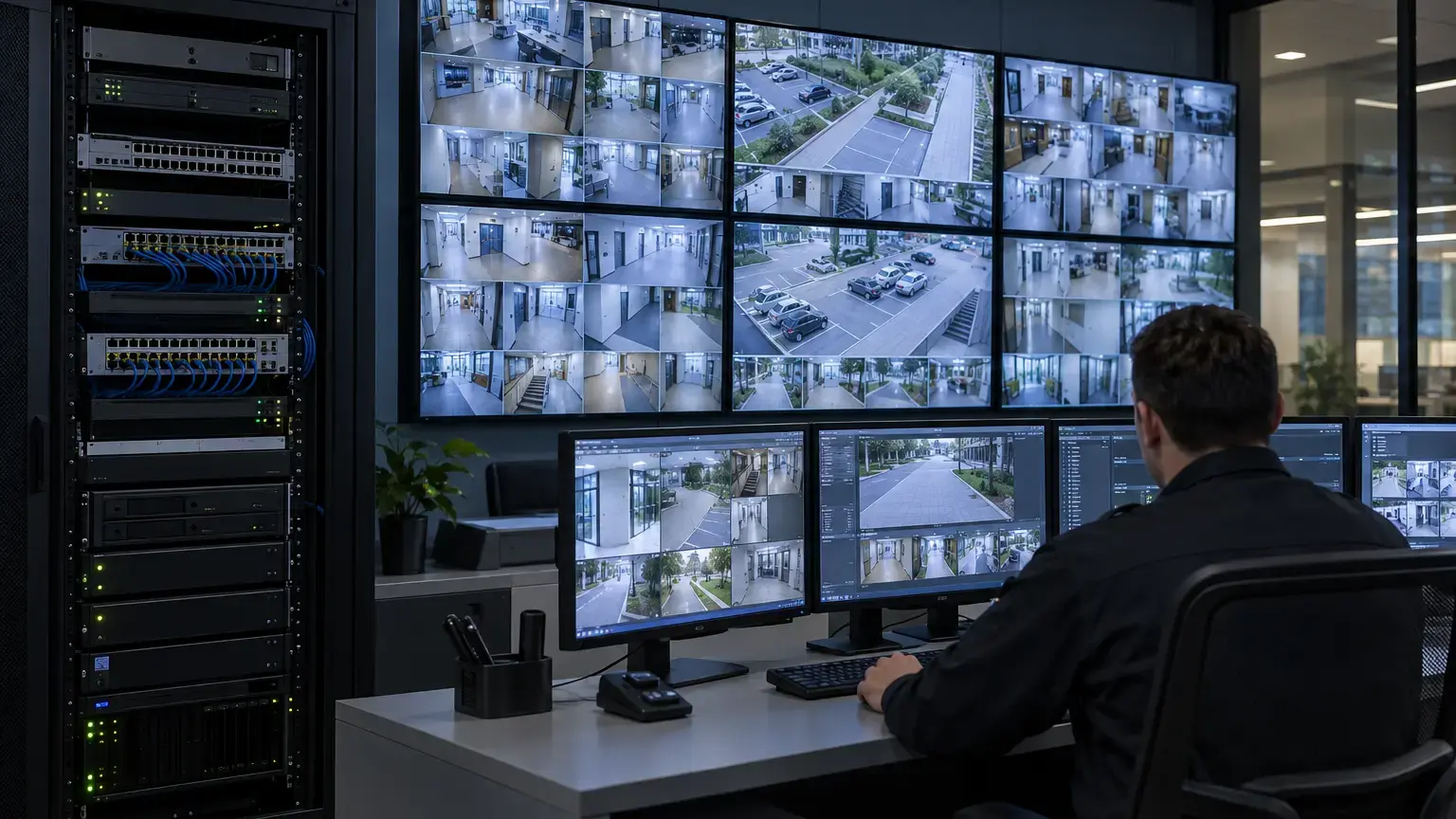
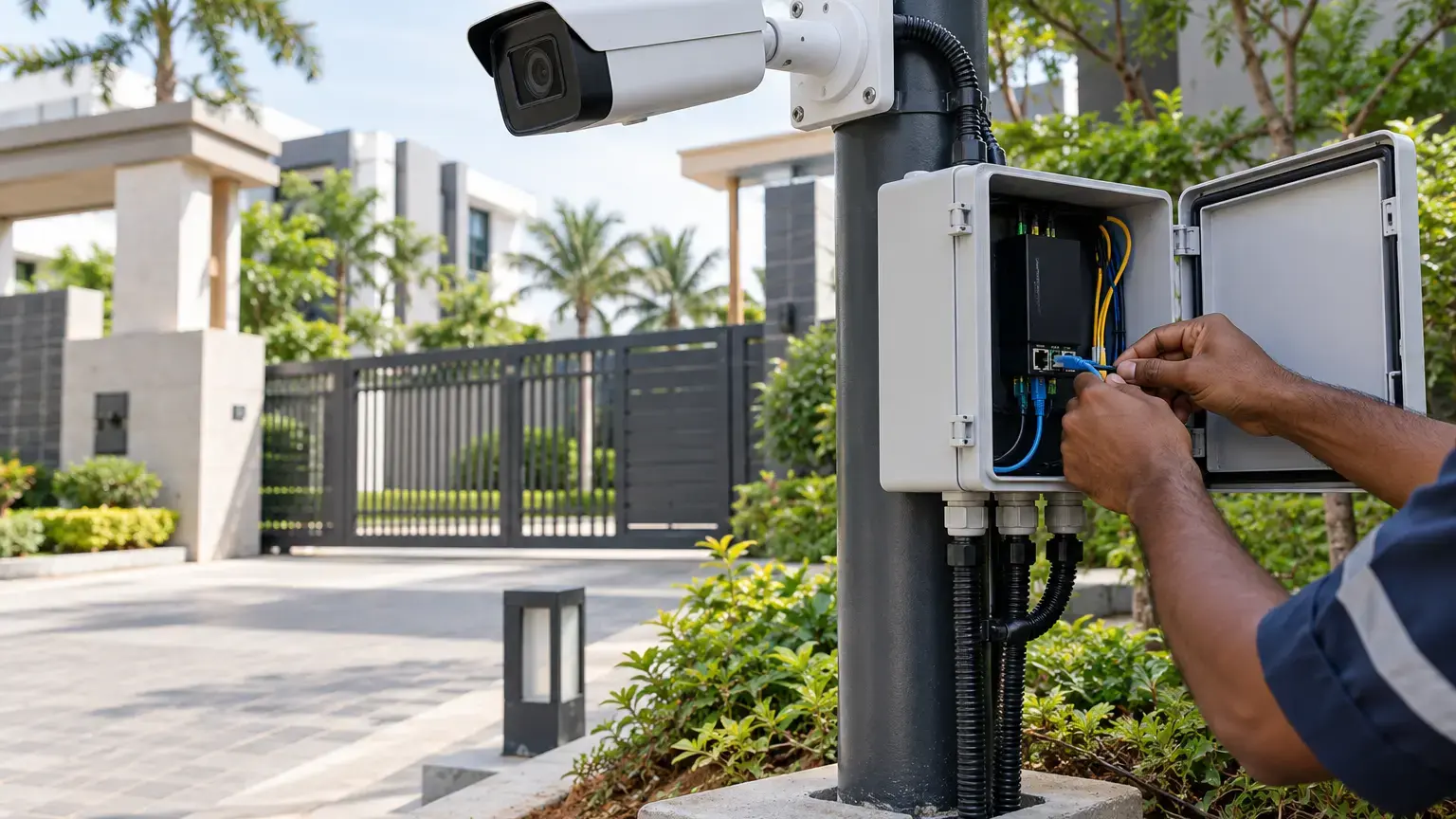
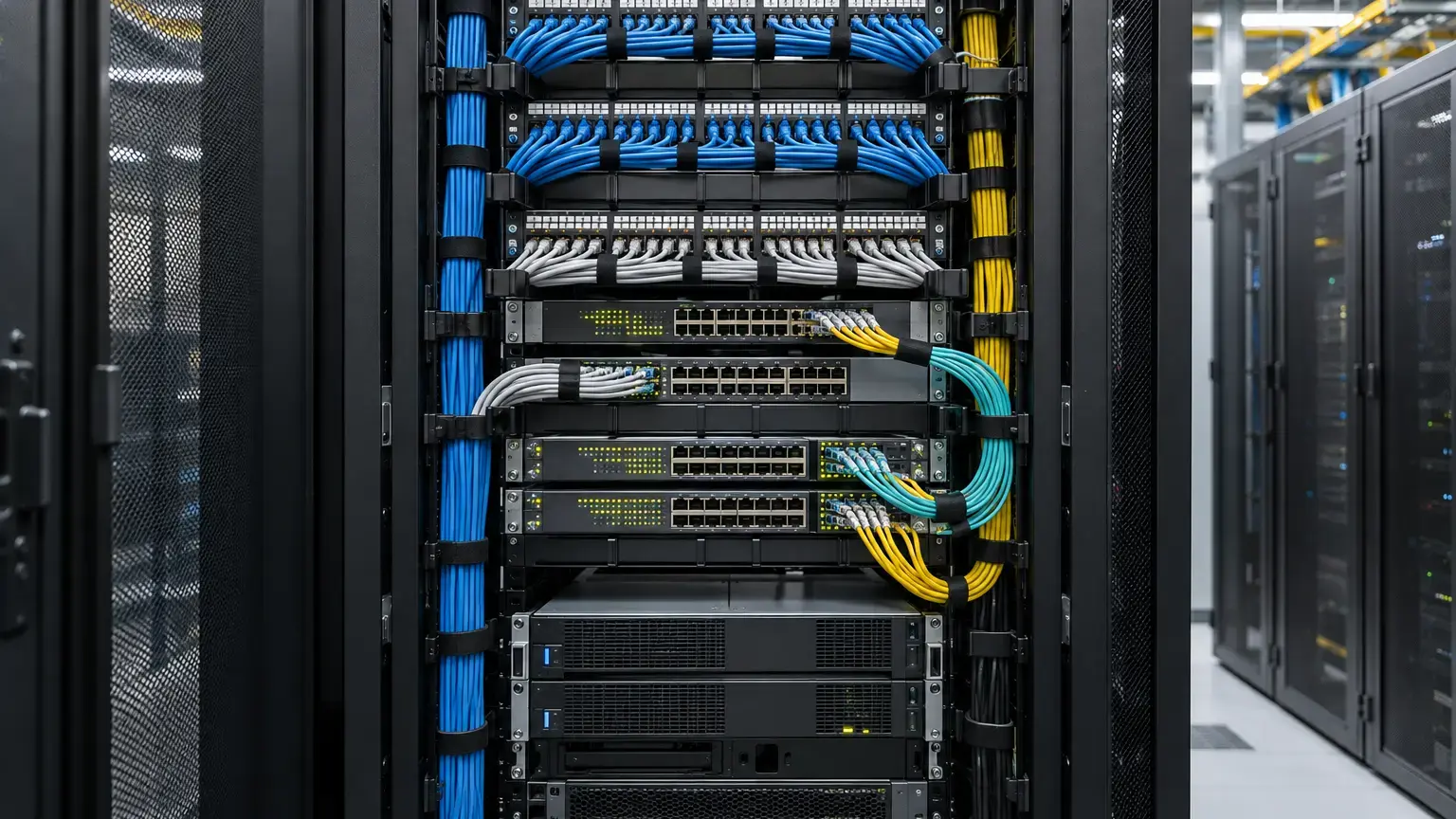
Visual reference photographs
Define the operational purpose first
Begin each analytic with one sentence that states what the site team needs to know and what should happen next. Examples include detecting a person entering a restricted loading area, identifying a vehicle crossing a one-way line, or alerting an operator when an object remains in a zone beyond an agreed time. Avoid a vague requirement such as “enable smart analytics.”
The selected feature must exist on the exact camera, application and software version being delivered. Similar names across manufacturers do not guarantee the same classification, timing, filtering or event behavior.
Purpose row: camera ID · location · operational risk · analytic type · target object · active schedule · expected event · operator response · recording action · owner.
Confirm the scene can support the analytic
Analytics cannot correct a view that is poorly framed for the intended task. Confirm mounting stability, horizon and tilt, target size, direction of travel, contrast, illumination and likely obstructions before tuning the rule. Test the installed view, not only a design drawing.
The AXIS Object Analytics user manual explains that mounting position, field of view, visibility, contrast, light, weather and movement direction can affect detection. It also lists conditions that can delay, miss or falsely trigger detections, including fog, direct light, heavy rain with headlights, shadows and partial visibility. These are useful acceptance categories even when another manufacturer is selected, but the actual limits must come from that product's documentation.
Draw zones around the real risk
Record the include area, exclusion area, virtual line and trigger direction with a screenshot for every configured scenario. Keep busy roads, trees, flags, reflections and public movement outside the active zone where they do not serve the operational purpose. If perspective calibration is supported and the scene has depth, document the reference objects and calibration result.
Axis notes that an object's detection point must fall inside the detection area and provides separate include areas, exclude areas and directional lines. This matters at boundaries: a person's upper body can appear inside a polygon while the application uses the feet as the detection point. Acceptance walks should therefore cross the actual edges, not only the centre of the zone.
Test the complete event chain
A successful on-screen box is not the end of the test. For every scenario, verify the expected event, recording, pre-event footage, alarm display, notification, acknowledgement and evidence retrieval. If the analytic is integrated into a VMS or another system, confirm that the receiver identifies the correct camera, scenario and time.
ONVIF Profile M defines interfaces for analytics metadata and events between conformant products. Profile support can help interoperability, but it is not a substitute for testing the exact camera, analytic and receiving system selected for the project.
Event-chain row: test ID · camera and scenario · action performed · camera detection · event received · recording created · notification displayed · evidence exported · result · witness.
Use positive, negative and boundary tests
For a person-in-area scenario, a positive test proves that the intended person and route trigger the rule. A negative test checks permitted movement outside the zone or a non-target object. A boundary test checks the zone edge, entry direction and closest or farthest useful point. Repeat the set under the important operating conditions for that location.
- Day: normal business movement, shadows and background activity.
- Night: installed lighting, infrared behavior and vehicle headlights.
- Weather: rain, wet surfaces or foliage movement where safely available during commissioning.
- Occlusion: a target partly hidden by gates, parked vehicles or columns.
- Density: multiple people or vehicles when the site is expected to become busy.
- Duration: entry, exit and dwell times around the configured threshold.
Record false alarms and missed events separately
A single successful walk test does not establish useful performance. During an agreed observation window, classify false alarms by cause and record missed events with the same care. Change only one setting at a time, then repeat the relevant tests. Filters can suppress nuisance movement but may also suppress a real target if applied too aggressively.
Do not publish a universal accuracy percentage unless the manufacturer specifies the method and the project has an agreed, repeatable test plan. A practical acceptance record should instead show the scenarios performed, conditions observed, outcomes, exceptions and corrective changes.
Detection-zone acceptance worksheet
- Purpose: each analytic has a named operational purpose and response owner.
- Compatibility: camera model, application, licence and software version are recorded.
- Scene: mounting, framing, target size, light, contrast, obstructions and movement direction are checked.
- Geometry: include zones, exclusions, lines, directions and perspective settings are saved as screenshots.
- Schedule: active days, times and holiday behavior are verified.
- Positive tests: intended objects and routes trigger the correct scenario.
- Negative tests: permitted movement and non-target objects do not create unwanted alarms.
- Boundary tests: near, far and edge positions are witnessed.
- Event chain: detection, recording, alarm display, notification and export are verified end to end.
- Conditions: day, night and relevant environmental conditions are recorded.
- Exceptions: false alarms, missed events, changes and retests remain traceable.
- Ownership: the owner receives settings, screenshots, clips, test results and a controlled change process.
What the handover pack should contain
Provide the camera and analytic inventory, scene screenshots, zone drawings, schedules, object classes, thresholds, event-action matrix, VMS mapping, test scripts, evidence clips, exception register, final settings export where supported, software versions and change ownership. Link this pack to the camera schedule and network records so a later replacement or view change triggers a documented retest.
For related acceptance work, use the time synchronization and evidence export worksheet, the CCTV cybersecurity commissioning worksheet and the CCTV and surveillance service page.
Planning CCTV analytics for a building, campus or control room?
Share the camera schedule, site drawings, required events, recording design and operator workflow. We can coordinate fiber and copper cabling, PoE switching, camera commissioning, acceptance records and handover.
Discuss the CCTV system ↗