

OPTICAL FIBER TROUBLESHOOTING · 1 NOVEMBER 2026
OTDR ghost events and reflection saturation: a diagnosis worksheet
A repeated spike beyond the documented cable end may be an optical echo, not another connector or a broken fiber. This worksheet helps field teams recognize ghosts, detector saturation and dead-zone effects before authorizing excavation, resplicing or cable replacement.
Visual reference photographs
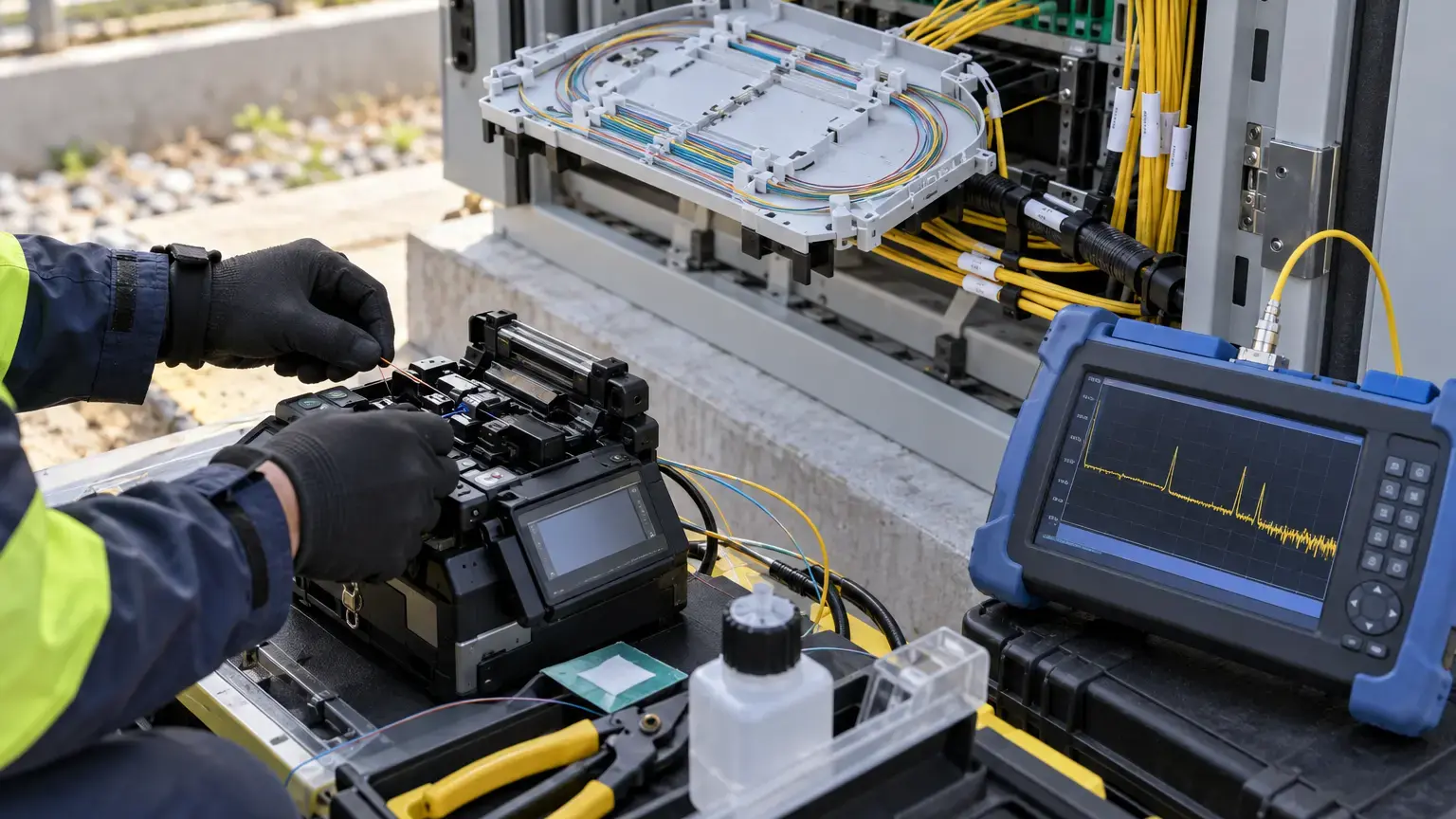
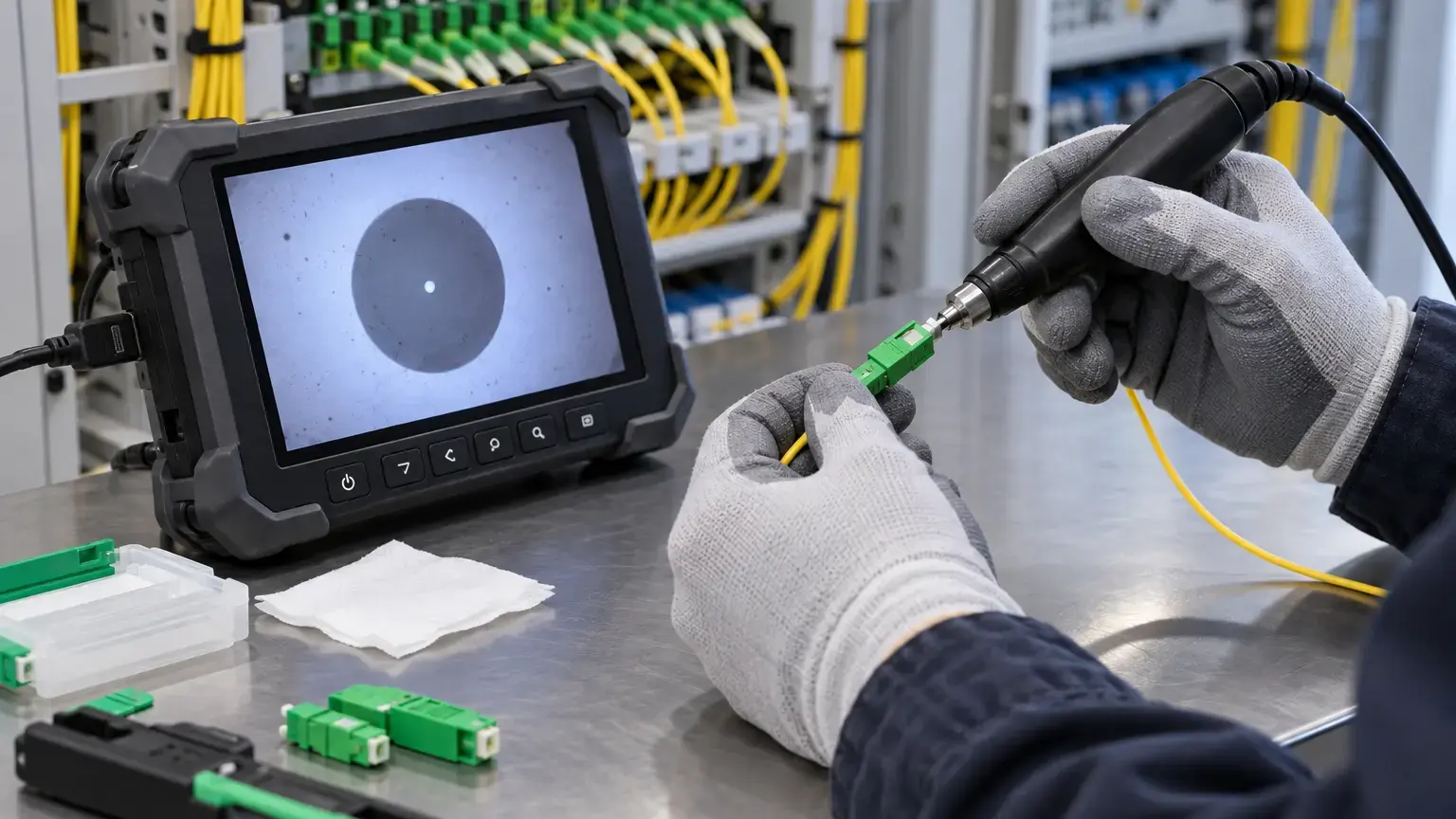

1. What an OTDR ghost is
An OTDR launches a pulse and locates events from the return time of backscatter and reflected light. A strong Fresnel reflection can travel back toward the instrument, reflect again at another interface, and re-enter the fiber. The delayed light can appear at a later distance as a false reflective event. The extra peak is real light, but it does not represent a physical connector at the displayed location.
VIAVI describes two common causes: strong reflective events and an incorrect acquisition range. Its guidance says a ghost often appears at a multiple of the strong event's distance and produces no corresponding loss through the false event. FOA similarly warns that ghosts are common on short cables with highly reflective connectors and can make an echo beyond the actual cable end look like a second cable section.
2. Recognize the signature before changing anything
| Trace observation | Ghost or saturation clue | Verification |
|---|---|---|
| Reflective peaks repeat at equal spacing | Round-trip echoes between two reflective interfaces | Calculate the distance differences and compare them |
| Suspected event has reflection but no step loss | VIAVI identifies zero-loss passage as a ghost clue | Use trace cursors before and after the peak |
| Peak has a flat top | EXFO identifies this as detector saturation | Reduce pulse width and improve the reflective interface |
| Displayed event lies beyond the documented end | Echo or range artifact is more likely than hidden fiber | Reconcile with route length and receive cable |
| Long recovery tail hides nearby events | Reflection dead zone is masking the trace | Use a shorter pulse and clean connectors |
| Event moves when launch-cable length changes | The test setup is contributing to the artifact | Repeat with a known alternate launch cable |
3. Calculate the expected echo positions
Record the distances of the dominant reflective interfaces. Do not round them to the nearest route landmark. Use the same group-index setting for every comparison because an incorrect index shifts all displayed distances.
Observed spacing = later reflective peak distance - earlier reflective peak distance
Multiple test
Distance ratio = suspected ghost distance ÷ dominant reflection distance
If the ratio is close to 2, 3 or another whole number, and the event has no loss step, treat it as a ghost candidate. Measurement tolerance must account for cursor placement, pulse width, group index and trace resolution.
EXFO gives an additional pattern: distances between successive pairs of events can be approximately equal. That pattern can expose an echo bouncing between two strong reflectors even when the first event is not at the OTDR port.
4. Inspect the trace, not only the event table
Automatic analysis is useful for screening, but it can assign a connector symbol, end-of-fiber label or loss value to an artifact. Open the native bidirectional trace where available and inspect the backscatter line on both sides of each candidate.
- Confirm whether a real backscatter continuation exists after the event.
- Look for a vertical step that indicates genuine insertion loss.
- Zoom the peak and check whether its top is clipped or flat.
- Measure the recovery tail and determine what nearby fiber is hidden.
- Compare event spacing with launch-cable, link and receive-cable lengths.
- Check whether the candidate exists at both test wavelengths.
- Compare the opposite-direction trace without forcing event numbers to match.
A ghost can be prominent in one direction and absent in the other because the reflective interfaces and launch conditions change. That asymmetry is evidence to interpret, not a reason to average a false event into the splice table.
5. Remove avoidable reflections first
A dirty, damaged, mismated or open connector can create the strong reflection that drives saturation and echoes. Inspect the OTDR port, launch lead, bulkhead, patch cord and link connector with the correct microscope and safety procedure. Clean only with approved materials, then reinspect before reconnection.
Confirm connector polish compatibility. Never mate APC to UPC. Fit a receive cable when the far-end connector must be measured, and terminate open ends as recommended by the test-equipment manufacturer. Use index-matching methods only when appropriate for the connector or bare-fiber test arrangement and when the material can be safely removed.
Change in reflectance magnitude = corrected event reading - original event reading
Because reflectance values are negative dB, a corrected value such as -55 dB is less reflective than -30 dB. Record both readings and the instrument's saturation indication rather than inventing a precise value above its measurement limit.
6. Select pulse width, range and averaging deliberately
VIAVI warns that a pulse that is too long can oversaturate a link and create ghosting, while a pulse that is too short may not reach the end with usable signal-to-noise ratio. Start with the shortest pulse that provides sufficient dynamic range for the link, then lengthen only when the far end cannot be resolved.
Set the acquisition range beyond the link and receive cable, but avoid an unnecessarily large range. Increase averaging time to improve signal-to-noise ratio instead of immediately increasing pulse width. Document wavelength, pulse width, range, acquisition time, index of refraction, launch cable and receive cable for every accepted trace.
The launch cable must exceed the launch dead zone for the chosen pulse. VIAVI's published examples range from tens of metres for short nanosecond pulses to much longer cables for wide pulses. Select from the instrument guidance and actual dead-zone result, not a single universal cable length.
7. Separate a ghost from a real reflective fault
A real mechanical splice, damaged connector or cracked fiber can also be reflective. Do not dismiss an event merely because it is reflective. A real event should normally correlate with a physical route position and may show loss, a changed backscatter level, repeatability from both directions or persistence after the dominant reflection is corrected.
| Test | Ghost expectation | Real-event expectation |
|---|---|---|
| Correct first high reflection | Later echo reduces or disappears | Physical event remains |
| Change launch-cable length | Artifact position or spacing relationship changes | Route-correlated distance remains after compensation |
| Shorter pulse | Saturation and echo may reduce | Event resolves more accurately |
| Opposite direction | Echo pattern changes materially | Event correlates with the same physical location |
| Insertion-loss test | No unexplained end-to-end loss from the ghost | Fault may contribute measurable loss |
8. Avoid hazardous and service-affecting tests
Confirm whether the fiber is dark before connecting a standard OTDR port. Live PON and active transport links require the correct filtered test port, wavelength plan and operating procedure. EXFO warns that incoming optical power can add noise, prevent valid acquisition or damage an instrument when port limits are exceeded. Measure with a suitable power meter and follow the equipment rating.
Never disconnect a live service merely to eliminate a reflection without an approved maintenance window. Record subscriber or circuit impact, notify the owner, protect open connectors and restore every patch exactly to the controlled port map.
9. Field diagnosis sequence
- Save the native trace, screenshot and event table before adjustment.
- Verify route length, launch lead, receive lead and group index.
- Check for equally spaced peaks and whole-number distance multiples.
- Check for a flat-topped saturated peak and extended dead zone.
- Measure whether the suspected event produces a true loss step.
- Inspect, clean and reinspect all accessible test interfaces.
- Correct APC, UPC, adapter or open-end problems.
- Repeat with a shorter pulse and suitable acquisition range.
- Increase averaging time without hiding the original evidence.
- Repeat at the second specified wavelength.
- Test from the opposite direction where the route permits.
- Change the launch setup in a controlled comparison if ambiguity remains.
- Reconcile every real event with the closure, rack or route record.
- Use insertion-loss testing when end-to-end loss acceptance is required.
- Escalate unexplained persistent events before physical intervention.
- Record corrective work and final settings.
- Retain original and corrected native traces.
- Obtain owner acceptance for deviations and inaccessible sections.
10. Handover worksheet
| Field | Required record |
|---|---|
| Link identity | Endpoints, fiber ID, route, nominal length and service state |
| Instrument | Model, serial, calibration status, port and software version |
| Acquisition | Wavelength, pulse, range, averaging, group index and resolution |
| Test leads | Launch and receive cable IDs, lengths, connector polish and inspection status |
| Artifact evidence | Peak distances, spacings, loss steps, saturation and dead-zone observations |
| Controlled changes | Cleaning, pulse, range, lead or termination changes and their effects |
| Decision | Ghost, saturated real event, confirmed physical event or unresolved exception |
| Final evidence | Original and corrected native traces, photos, route correlation and approval |
Primary technical references
- EXFO: Performing OTDR and iOLM tests with APC connectors
- EXFO: Low injection or high reflectance warning
- VIAVI: Fiber Optic Test and Measurement guide, artifacts and anomalies
- VIAVI: Improving a poor OTDR trace
- VIAVI: OTDR recommended launch cable sizes
- Fiber Optic Association: Outside plant fiber optic testing
Investigating an ambiguous OTDR trace?
Share the native trace files, route record, test wavelengths, launch setup and service state. Cyber FTTH Mart can help structure controlled retesting, route correlation and restoration evidence.
Discuss fiber trace diagnosis ↗