

ENTERPRISE WI-FI · 26 OCTOBER 2026
Wi-Fi roaming and fast transition: a field acceptance worksheet
A coverage heatmap does not prove that a call, scanner session or live dashboard will survive movement between access points. Roaming is a client decision influenced by radio conditions, security, WLAN architecture and device support. Acceptance must therefore test real routes with named clients and observable traffic.
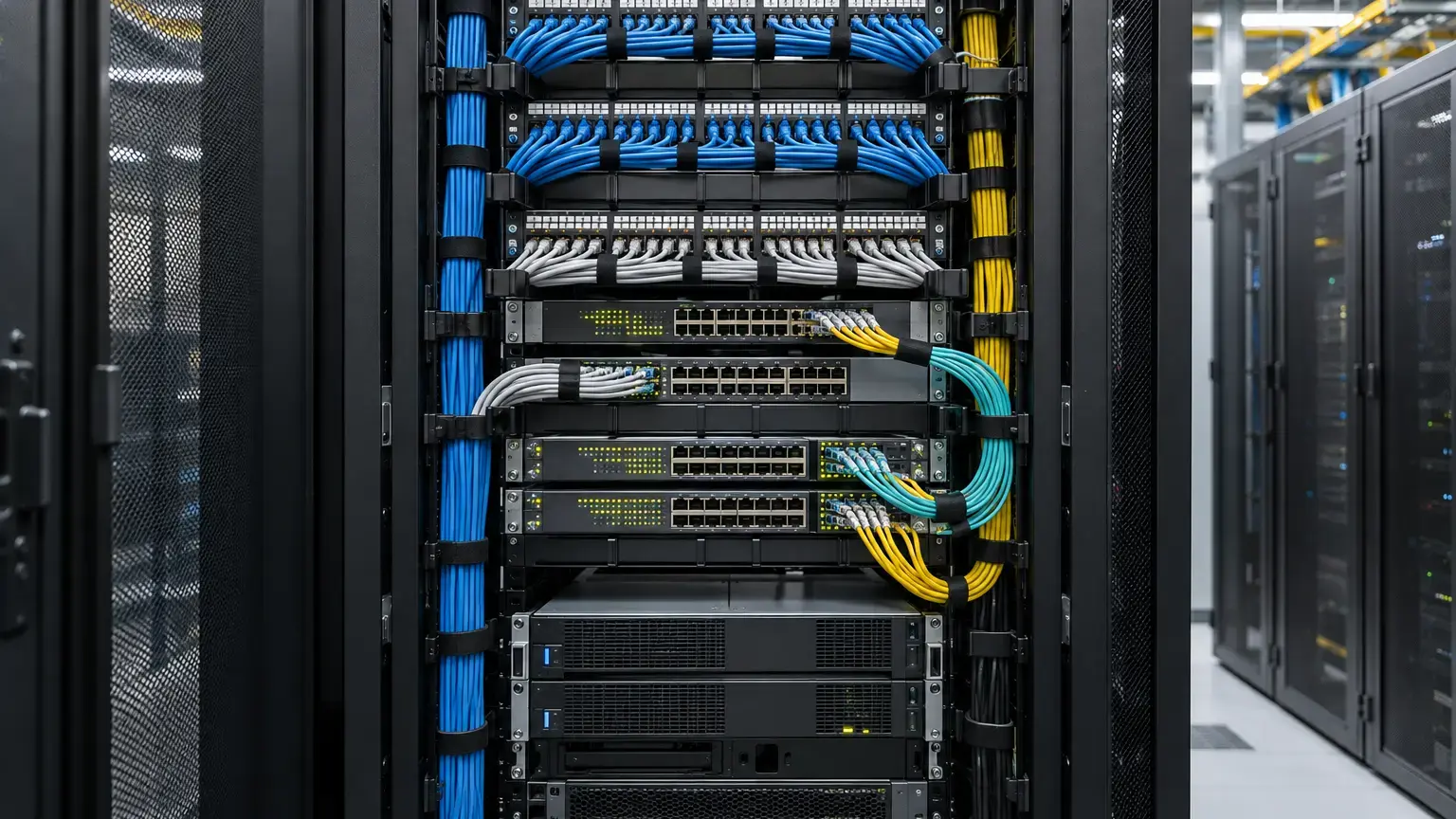
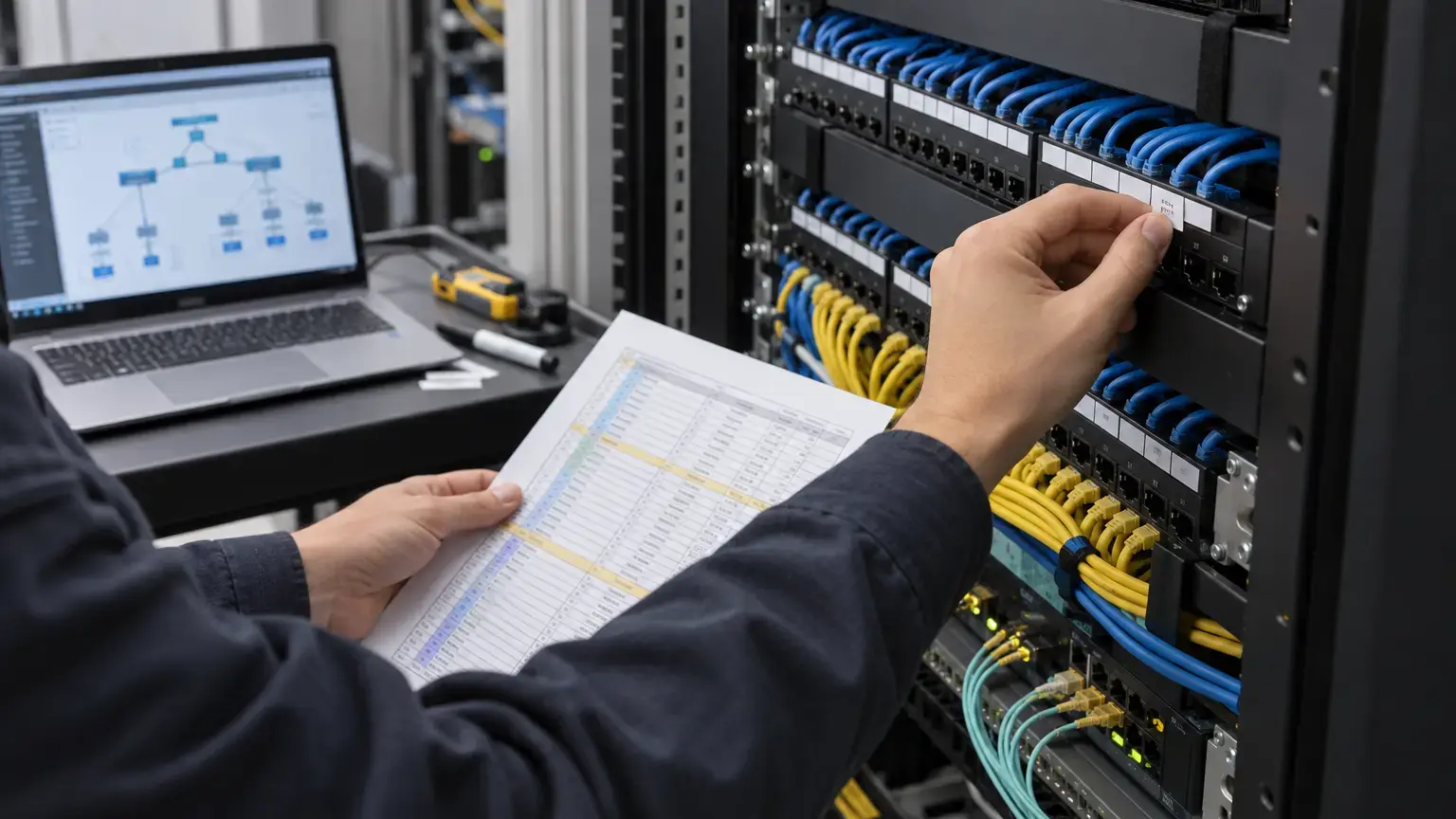
Visual reference photographs

Roaming is not the same as coverage
A client can see two access points and still hold the first connection too long, reauthenticate slowly, lose its IP path or select an unexpected band. Apple states in its Wi-Fi roaming support guide that the device decides when to roam using factors including received signal and the availability of other access points. Infrastructure can assist that decision, but it cannot force every client to behave identically.
Test each business-critical device class separately. A current phone, an older handheld scanner, a laptop, a voice handset and an IoT controller can support different roaming methods and use different trigger logic. Do not approve a whole site from one engineer's handset.
Know what 802.11k, 802.11v and 802.11r do
- 802.11k: helps a compatible client discover candidate access points through neighbor and measurement information, reducing blind scanning.
- 802.11v: lets the network provide transition advice and other management information. The client still makes the final association decision.
- 802.11r: shortens the secure transition process by preparing key material for movement between access points in the same mobility domain.
Cisco's 802.11r, 802.11k and 802.11v technical explanation shows that these functions solve different parts of the roam. Enabling all three is not a substitute for RF design, and feature support must be verified on the actual controller, AP software, security mode and clients.
Draw roaming domains before testing
Mark the required movement paths on the approved floor and campus drawings: reception to meeting rooms, office to corridor, lift lobby transitions, warehouse aisles, parking access, guard routes and building-to-building links. For every path, record the expected SSID, VLAN, subnet, controller or gateway boundary, AP pair and priority application.
Layer 2 roaming normally retains the same IP subnet. Movement across a Layer 3 boundary may require a mobility tunnel or another architecture that preserves the client session. Cisco Meraki's roaming technologies guide distinguishes Layer 2, Layer 3 and fast roaming behavior. Its platform-specific options should be mapped to the selected system rather than copied into a mixed-vendor tender.
Route row: route ID · start and end points · SSID · application · test client and software · source AP and BSSID · target AP and BSSID · band and channel · VLAN and subnet before and after · security method · expected mobility domain · witness.
Freeze the client and traffic method
Use a continuous, timestamped traffic flow while walking at a repeatable pace. Depending on the application, this may be a bidirectional voice call, a sustained UDP stream, a controlled ping series, a scanner transaction loop or a video session. Record packet sequence, loss, latency and application interruption. A speed test before and after the walk does not measure the transition.
Where packet capture is practical, correlate over-the-air events with controller or cloud logs, RADIUS records and the wired trace. Confirm the old BSSID, reassociation or fast transition, new BSSID, authentication result, DHCP behavior and resumed traffic. Synchronize test devices and infrastructure logs to a common time source so the evidence can be aligned.
Set limits from the application
There is no single pass limit for every WLAN. A barcode transaction, a voice call and a buffered video stream tolerate different loss and interruption. Define project limits before testing and state whether they come from the application owner, client manufacturer or WLAN design guide.
For one documented example, Cisco's enterprise best practices for Apple clients recommends average channel utilization below 40 percent, SNR of at least 25 dB, retransmissions below 15 percent, packet loss below 1 percent and jitter below 100 ms. These are vendor guidance for that client ecosystem, not automatic contractual limits for every device or site.
Observed interruption: identify the last successful application packet before the roam and the first successful packet after it. Interruption = first post-roam timestamp - last pre-roam timestamp. Report packet loss and reordering separately. Do not infer interruption only from the controller's association time.
Test compatibility, not only the preferred configuration
Build a matrix of important clients and their support for the deployed security and roaming options. Apple documents support for 802.11k, 802.11r and 802.11v on named device families, while noting PMKID caching where 802.11r is not used. Other clients may behave differently.
Run a controlled pilot before enabling fast transition across every SSID. Test first association, roam, sleep and wake, return to a previously visited AP, password or certificate renewal, and controller or authentication-server failover where those functions are in scope. Keep guest, staff, voice and legacy-device SSIDs separate when their security and compatibility requirements differ.
Failure patterns and what they suggest
- Client stays on the distant AP: check overlap, AP power balance, client roam logic, neighbor information and interference before adding another AP.
- Roam succeeds but the session breaks: verify VLAN, subnet, gateway, mobility tunnel, firewall state and DHCP behavior.
- Only one device model fails: verify its firmware, driver, security and 802.11r support before changing the whole WLAN.
- Voice breaks while pings look acceptable: capture the application stream, QoS marking, jitter and packet sequence. Ping alone may hide the user impact.
- Roams become worse under load: repeat with representative channel use, client count and uplink traffic. Empty-building results are not capacity evidence.
- Intermittent failures cannot be correlated: correct NTP, log retention and client identification before more tuning.
Field acceptance sequence
- Approve roaming routes and critical applications.
- Record AP, BSSID, channel, power, switch port and software inventory.
- Confirm SSID, security, VLAN, subnet and mobility-domain design.
- Verify RADIUS, DHCP, DNS, gateway and controller dependencies.
- Document the client matrix and known feature support.
- Set application-specific interruption, loss, latency and jitter limits.
- Survey RF conditions along each route under representative use.
- Start continuous application traffic and synchronized evidence capture.
- Walk the route in both directions at the agreed pace.
- Confirm the source and target BSSIDs and the actual transition method.
- Check whether IP address, policy and application session remain correct.
- Repeat across each critical client class and security profile.
- Run agreed failure tests, including authentication or controller loss where applicable.
- Record exceptions, corrective changes and controlled retest results.
- Hand over route maps, logs, captures, configuration revision and client matrix.
Minimum roaming test register
Retain one row per run: date and time · route and direction · test client, operating system and driver · application and server · SSID and security · starting and ending BSSID · band and channels · signal and SNR at transition · transition method · IP before and after · interruption · loss · latency or jitter · controller event ID · pass limit · result · exception · evidence filenames · witness.
Link this register to the campus Wi-Fi design worksheet, VLAN and switch handover worksheet and 802.1X and NAC commissioning worksheet.
Need a repeatable campus Wi-Fi handover?
Share the floor plans, AP inventory, critical client types and movement routes. We can align RF checks, structured cabling, switching and roaming evidence around the approved application requirements.
Discuss the Wi-Fi scope ↗