

ENTERPRISE NETWORKING · 18 SEPTEMBER 2026
Campus Wi-Fi: a design-to-handover worksheet for builders and facilities teams
A campus can have excellent signal in an empty lobby and still fail when a meeting hall fills, staff roam between buildings or guest traffic shares a critical network. Use this worksheet to turn “provide Wi-Fi” into an assessable design, installation and handover scope.
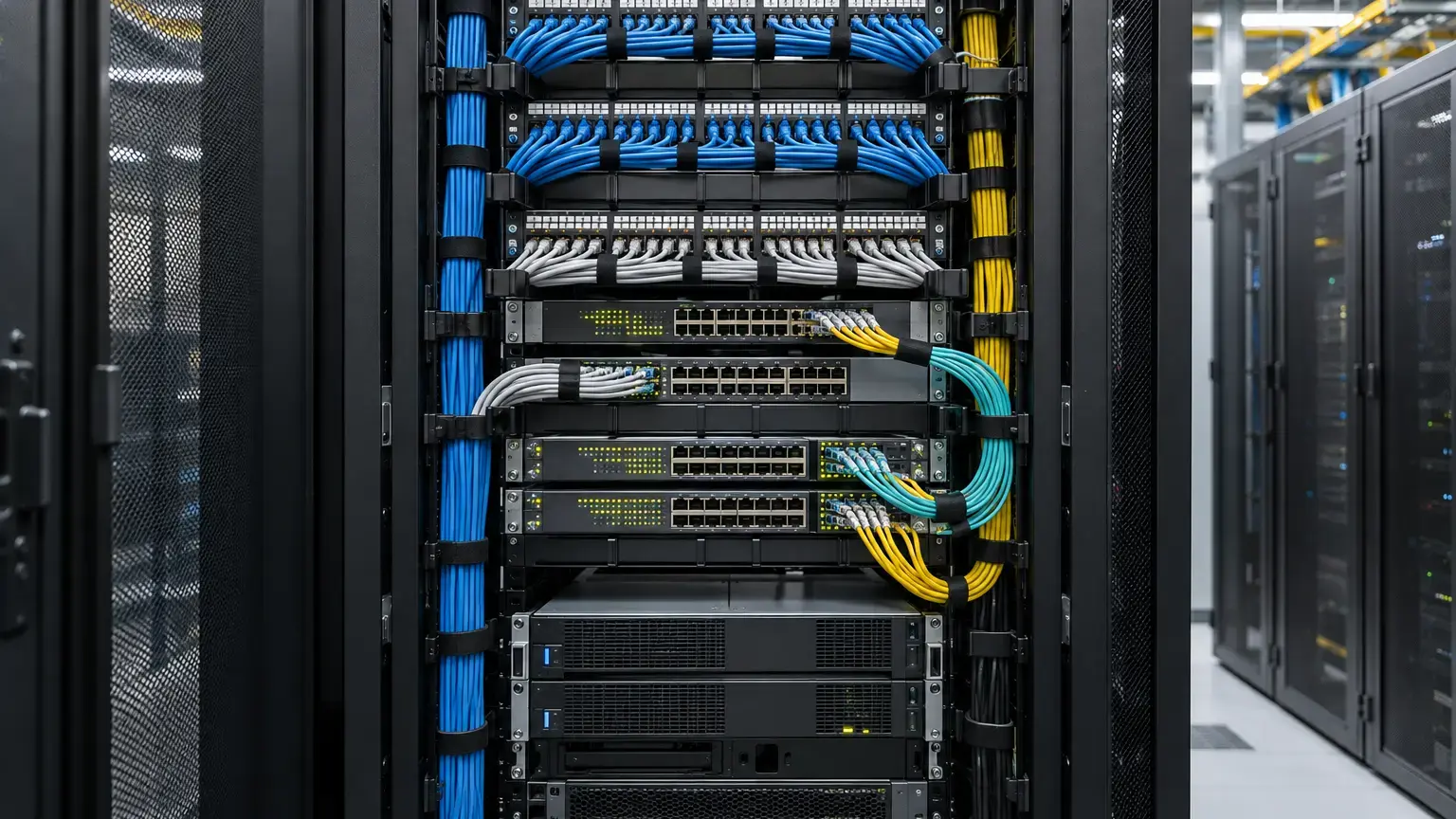
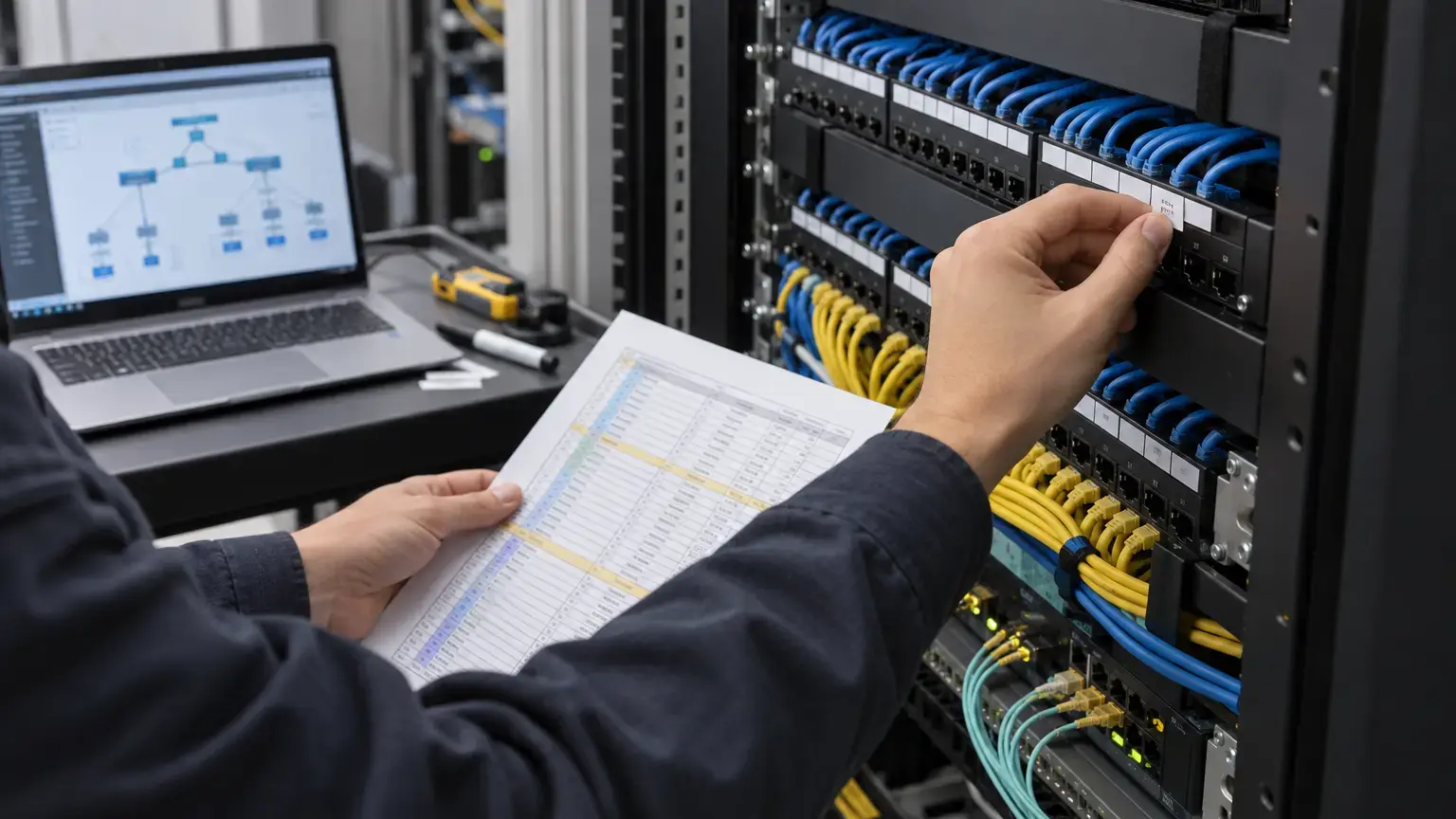
Visual reference photographs

Start with people and applications, not an AP count
Mark each usage zone on a current floor or campus plan: offices, common areas, meeting rooms, corridors, outdoor spaces and any high-density room. For each, record expected concurrent devices, client types, critical applications and whether users move while connected. Ask who owns the WAN handoff and what happens if it fails. Do not translate total registered users directly into a device or AP count; simultaneous demand and applications matter.
Cisco Meraki's high-density Wi-Fi design guide (updated June 2026) explicitly separates coverage from capacity and asks for simultaneous devices, applications, client capabilities, cabling and power constraints before sizing. It uses both throughput-driven and client-driven AP estimates, then considers the larger requirement. Its worked figures are examples for that environment, not universal limits to insert into a tender.
Two designs must agree: radio coverage and the wired path
An RF proposal needs predicted AP positions and mounting, but each location also needs an accessible cable path, a switch port, the selected AP's required PoE standard and power draw, a budgeted switch power supply, uplink capacity, and a route back to the network room. For separated buildings, confirm the fiber backbone, core allocation, termination, switch locations and power resilience before fixing AP locations. Where an outdoor AP is proposed, specify enclosure/environment rating and safe mounting from the actual model documentation.
An empty-site heatmap is not a handover result. Cisco Meraki's site-survey section calls for an active survey in the physical environment, spectrum analysis for interference and checks on the bands to be used. Agree test devices, application scenarios, acceptance zones and survey timing with the buyer; do not copy a vendor's example signal threshold without checking the selected client's requirements.
Decide access policy and mobility before deployment
Map staff, guests, operations and any voice or building devices to their approved authentication methods, SSIDs, VLANs, DHCP and firewall rules. A guest network should have an explicitly reviewed route to the internet and a policy for reaching internal services. Define any prohibited paths explicitly. Choose security modes against device support and the client's security policy; no particular brand or protocol is assumed for every project.
If wireless handsets or real-time voice are part of the scope, walk the actual call path through a transition between APs. Cisco Meraki's wireless voice guidance (updated April 2026) stresses overlapping design, pre- and post-installation surveys, supported roaming methods and a separate voice traffic policy. Those voice recommendations are application-specific, not default settings for all guest or data clients.
Use one approval row per zone
Design worksheet: building and floor · zone ID · drawing revision · floor area and construction barriers · user type · concurrent device assumption · priority application · mobility requirement · candidate AP/model and mount · survey status · AP cable route and ID · switch/port · PoE requirement and switch budget · uplink/fiber route · SSID/VLAN/security owner · acceptance test and witness · exception and decision owner.
For a sample floor, test the full wired and wireless path before repeating a mounting detail across towers. Treat lobby, parking, lift waiting areas and outdoor transition zones separately where users need continuity. If the plan changes during finishing work, update both the AP schedule and as-built drawing, not just the invoice quantity.
Make acceptance observable
- Physical: confirm each AP's model, mount, label, switch port, cable test and PoE status against the approved schedule.
- Radio: perform the agreed survey in occupied or representative conditions, record coverage, interference and dead zones, and identify the device used to test.
- Capacity: validate representative simultaneous use in the busiest agreed areas; record the load and application rather than promising a single universal speed.
- Access: test staff and guest onboarding, VLAN assignment, permitted and denied paths, and loss of internet or authentication service if that is in scope.
- Mobility: walk the agreed roaming route while using the actual priority application, particularly voice where applicable.
- Handover: deliver AP and port maps, survey results, configuration custody, licenses or subscriptions, test exceptions, warranty and AMC responsibilities.
These are proposed acceptance fields, not claims of completed Cyber FTTH Mart project measurements. Final pass criteria belong in the buyer-approved design and equipment documentation.
Related scope: enterprise Wi-Fi integration, wired networking, fiber backbone and maintenance.
Planning Wi-Fi for multiple buildings?
Share floor plans, network-room locations, usage zones and expected concurrent devices. We can help define the survey, structured cabling, backbone and acceptance scope.
Discuss a project ↗