

CCTV CONTROL ROOMS · 25 OCTOBER 2026
CCTV control-room live view and decoding: an acceptance worksheet
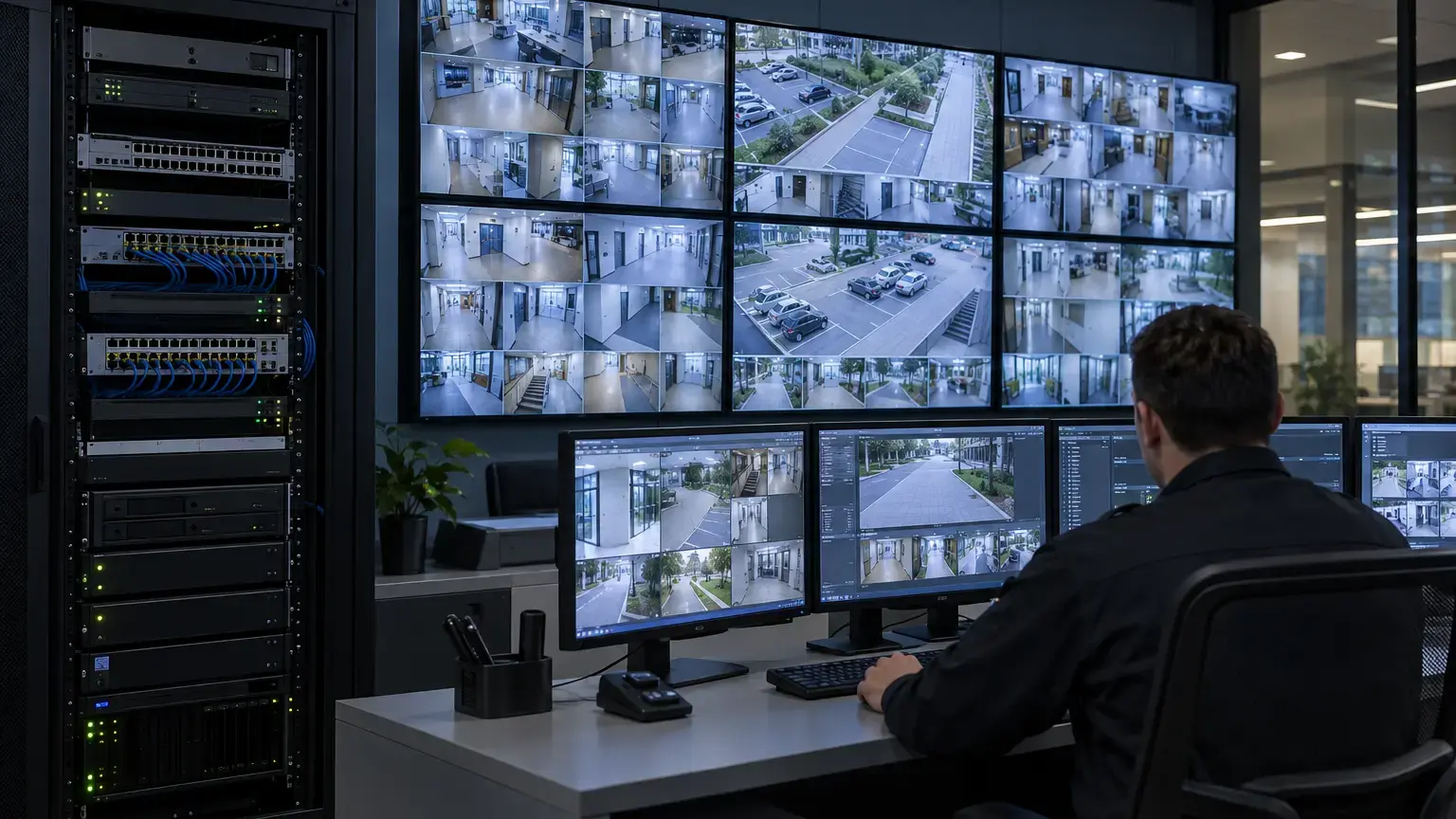
A recorder can store every camera correctly while the operator screen still freezes, shows the wrong stream or reacts too slowly. The display path has its own limits: camera encoding, network delivery, VMS selection, decoder throughput, graphics hardware, monitor layout and operator workflow. This worksheet turns that path into measurable acceptance evidence.
Visual reference photographs
Define the display job before choosing hardware
Write down the operating tasks first: continuous overview, alarm pop-up, guard verification, PTZ control, investigation playback or a public-area video wall. A 36-tile overview should normally use lower-resolution secondary streams, while a selected incident tile may switch to a main stream. If every tile requests the highest-resolution recording profile, client decoding and network load can rise without improving the information visible in each small tile.
Record the number of monitors, native resolution, layouts, simultaneous tiles, sequence behavior, alarm pop-ups and maximum number of enlarged streams. Multi-sensor cameras need special attention because one physical housing can expose several video channels. Hanwha Vision notes that each sensor typically consumes one NVR or decoder channel, with model-specific exceptions. The channel schedule must therefore list logical streams, not only camera bodies.
Display requirement row: workstation or decoder ID · monitor ID · native resolution · layout · tile count · camera group · stream profile · alarm behavior · operator purpose.
Calculate three separate loads
Do not use camera count as the only sizing number. Calculate network bitrate, decoded pixels per second and simultaneous channel demand separately. A useful first-pass decoded-pixel estimate is:
Decoded pixels per second = sum of (stream width × stream height × displayed frames per second)
Example: sixteen 640 × 360 substreams at 10 fps produce about 36.9 megapixels per second. One enlarged 3840 × 2160 stream at 25 fps adds about 207.4 megapixels per second. Treat this as a comparison tool, not a substitute for the selected decoder or VMS specification.
Codec complexity, client software, overlays, dewarping, analytics metadata and hardware acceleration also affect capacity. Axis states that overall streaming performance depends on factors including CPU load, bandwidth and client performance. Hanwha's SPD-152 specification separately declares maximum channels, network bandwidth, output formats and resolution-specific decoding performance. Follow that product-specific approach for the exact equipment being supplied.
Verify codec and stream interoperability
ONVIF Profile T covers IP video functions including H.264 and H.265 streaming, imaging settings, events and metadata. Its specification includes stream establishment over several RTP and RTSP transport methods. Conformance is a useful interoperability baseline, but it does not prove that every VMS, GPU, browser, decoder and camera combination will deliver the requested layout.
Create one approved live-view profile per operating purpose and test it end to end. Record codec, resolution, frame rate, rate control, bitrate limit, GOP or key-frame interval where applicable, and transport method. If multiple clients request identical settings, the camera may be able to reuse an encoded stream. Axis troubleshooting guidance recommends matching stream settings when possible because separately configured requests can add device load.
Measure sensor-to-screen latency with a visible event
Live-view latency is the delay from scene capture to display. Axis breaks the path into capture, compression, network transport, decompression and display, and notes that client buffering can add substantial delay. Lower latency can require tradeoffs in smoothness, resilience, bandwidth and cost.
Use a repeatable visible event, such as a stopwatch displayed in the camera scene, and record both the real event and the monitor in one test video. Repeat the test for the overview layout, a selected full-screen camera, PTZ operation and an alarm pop-up. State the method and conditions rather than reporting a precision the test cannot support.
Latency test row: camera ID · live profile · route · client or decoder · layout · buffer setting · event time · displayed time · observed delay · repeat count · evidence file.
Test the busiest credible operating state
Acceptance should reproduce the agreed workload: all overview tiles active, one or more alarm pop-ups, operator navigation, a playback request and any analytics overlays. Observe client CPU, GPU and memory, decoder status, server load, interface utilization, packet loss counters and image continuity. A short idle demonstration does not prove the control room can handle an incident.
Verify that monitor output resolution and refresh rate match the design. Check tile aspect ratios, camera names, timestamps, privacy masks, corridor views, dewarping and alarm borders. Confirm that a layout saved for one operator still loads correctly after logout, restart and software update.
Prove failure behavior and recovery
Agree safe tests for loss of one camera, one access switch, one server service, the operator client and the primary display output. The required result may be an alarm, a fallback stream, reconnection or transfer to a standby station. Record what operators see, how long recovery takes and whether recording continues independently of the failed display path.
Where multicast is used for repeated live views, document VLAN scope, IGMP behavior, querier location and receiver joins. ONVIF Profile T includes multicast streaming requirements for conformant devices, but the deployed switches and client path must still be tested. Never enable multicast broadly without a controlled network design.
Control-room acceptance worksheet
- Every physical camera and multi-sensor channel appears in the logical stream schedule.
- Each layout has a named operational purpose and approved tile count.
- Overview, selected-view, recording and mobile profiles are separated where needed.
- Network bitrate, decoded pixels per second and channel count are calculated separately.
- The selected hardware is checked against model-specific decoding and output limits.
- Codec, resolution, frame rate, bitrate and transport are recorded for each approved profile.
- Overview, alarm, playback and PTZ latency are measured with a repeatable method.
- The busiest credible workload is witnessed while client and network health are observed.
- Camera names, timestamps, aspect ratio, overlays and privacy settings remain correct.
- Layouts and permissions survive restart and operator sign-in.
- Loss and recovery of an agreed camera, network path, service or client are tested safely.
- Recording continuity is checked independently of the live display result.
- Exceptions have an owner, corrective action, retest evidence and closure date.
Minimum handover pack
Provide the camera and logical-channel schedule, approved stream profiles, display and layout matrix, workstation or decoder specification, monitor-output map, network path, calculation sheet, performance screenshots, latency videos, alarm and failure-test results, configuration backups, software versions and exception register. Link this record to the recording retention worksheet, time and evidence-export worksheet and CCTV fiber-backbone worksheet.
Primary technical references
- ONVIF Profile T Specification v1.0
- Axis: Latency in live network video surveillance
- Axis: Troubleshooting guide for streaming issues
- Hanwha Vision SPD-152 decoder specification
- Hanwha Vision: Multi-sensor camera channel requirements
Planning a CCTV control room or video wall?
Share the camera schedule, required layouts, display count, VMS or NVR platform and network design. We can coordinate stream profiles, switching, fiber transport, control-room integration and acceptance records around the real operating requirement.
Discuss the CCTV control room ↗