

CCTV OPERATIONS · 18 SEPTEMBER 2026
CCTV recording retention and storage: a buyer's acceptance worksheet
“Thirty days of recording” is not yet a storage design. A facilities team needs to know which cameras record, at what settings and schedule, what usable capacity remains after system overhead, when the oldest video is overwritten, and whether an incident can actually be found and exported.
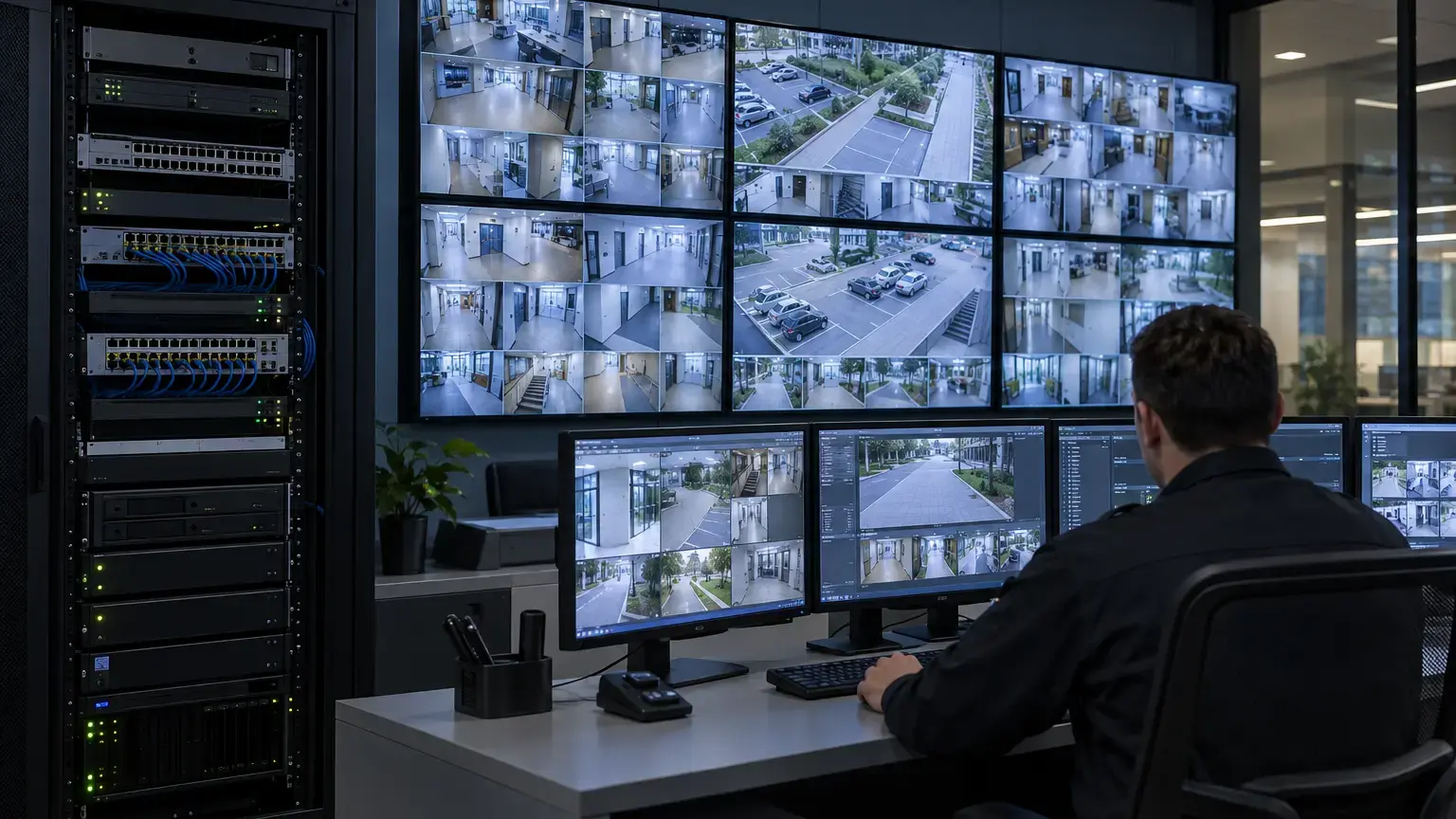
Visual reference photographs


Set the policy before buying disks
Ask the system owner to approve the retention period, the areas to be covered, whether recording is continuous or event-driven, and who can view, export or delete footage. An entrance, lift lobby, parking lane and quiet corridor may have different scene activity and operational needs. Do not adopt a fixed retention period from a generic example as a legal requirement. The site owner should confirm applicable rules and its own policy with qualified advisers where needed.
Axis Communications' privacy-in-surveillance white paper distinguishes capture, recording, viewing and exporting and notes that the owner is responsible for applicable privacy requirements. Treat retention and access rights as explicit project decisions, not settings selected by the installer alone.
Build a stream schedule rather than a single camera count
For each camera group, record the model and firmware, stream resolution, frame rate, codec, quality or rate-control mode, planned recording hours, scene activity and audio setting if any. Note whether the NVR records a primary stream, a substream or both. An event-only plan needs an agreed trigger, pre-event and post-event duration, and a test for missed events. For a continuous plan, check the busiest and darkest periods, not just a quiet daytime sample.
Seagate's surveillance storage calculator uses camera count, hours, days, resolution, video quality and compression as planning inputs and warns that actual quantities vary with configuration and environment. Western Digital's surveillance calculator also calls out frame rate, codec and scene activity. These are useful independent cross-checks, not certificates that a particular installed NVR will retain the requested footage.
A transparent first-pass capacity worksheet
For a continuously recorded stream: estimated decimal GB per day = observed average megabits per second × recording hours per day × 3.6 ÷ 8. For a 24-hour day this simplifies to average Mbps × 10.8 GB. Multiply by days retained, then sum all streams. Use a measured or manufacturer-supported bitrate assumption for the selected scene and settings, not a bitrate invented for a proposal.
Then separately account for: usable disk capacity after the selected array layout, formatting and recorder reservations; extra streams, audio and metadata; export space; expected event variability; and any documented expansion allowance. Confirm the recorder's incoming bandwidth, simultaneous playback/export capability and supported disk configuration from the actual model datasheet.
This arithmetic is only a first-pass model. Variable-bitrate scenes, changing lighting, motion, firmware settings, recording schedules and drive configuration can materially change achieved retention. A sample image that looks acceptable may still fail the detail required for the incident the camera was intended to capture.
Use one line per recording group
Procurement worksheet: camera IDs and purpose · model and recording stream · resolution/fps/codec/quality · observed bitrate range and observation period · continuous or event schedule · required days · estimated raw data · recorder and disk model · usable capacity after array and reserves · incoming bandwidth · oldest available footage at acceptance · export format and permissions · owner approval and exceptions.
Group cameras only when their scenes and settings are genuinely similar. Keep a separate row for cameras with a different frame rate, night illumination, analytics event schedule or retention policy. The approved schedule should connect to the camera map and the NVR channel list so a facilities operator can trace a specific view without guessing its channel number.
Witness three operations before handover
- Find and play: choose sample cameras and time windows, including a busy or night period. Verify timestamp, playback continuity and the earliest available recording.
- Export and verify: export an agreed clip to approved media, replay it on a separate authorized workstation, check time information and document who has permission to export. If redaction is required, test that workflow rather than assuming a screenshot is sufficient.
- Fault and recovery: demonstrate alerts for disk or recorder faults, the response owner, power backup behaviour and how the system returns to recording. Simulate only tests approved by the site owner and vendor guidance.
One day of operation cannot prove a 30-day retention target. At handover, record the verified short-term results, the configured retention policy and a follow-up date to inspect actual oldest footage after sufficient operation. Do not mark future retention as field-verified prematurely.
Related reading: villa CCTV site-to-handover design for camera views and PoE, and CCTV infrastructure scope for planning, cabling, recording and support.
Planning CCTV for a building or campus?
Share the camera schedule, recording policy and control-room requirements. We can scope the network, storage assumptions, installation tests and handover evidence around the actual site.
Discuss the project ↗