

CCTV OVER FIBER · 17 OCTOBER 2026
CCTV over a fiber backbone: a design and acceptance worksheet
Large campuses, gated communities, warehouses and townships often group cameras around local switches, then carry the combined traffic to a control room over optical fiber. A successful design must connect the camera stream profiles, zone-switch PoE, uplink capacity, optics, fiber path, resilience and recording outcome. This worksheet turns those dependencies into an acceptance record.
Visual reference photographs
Understand what the fiber link carries
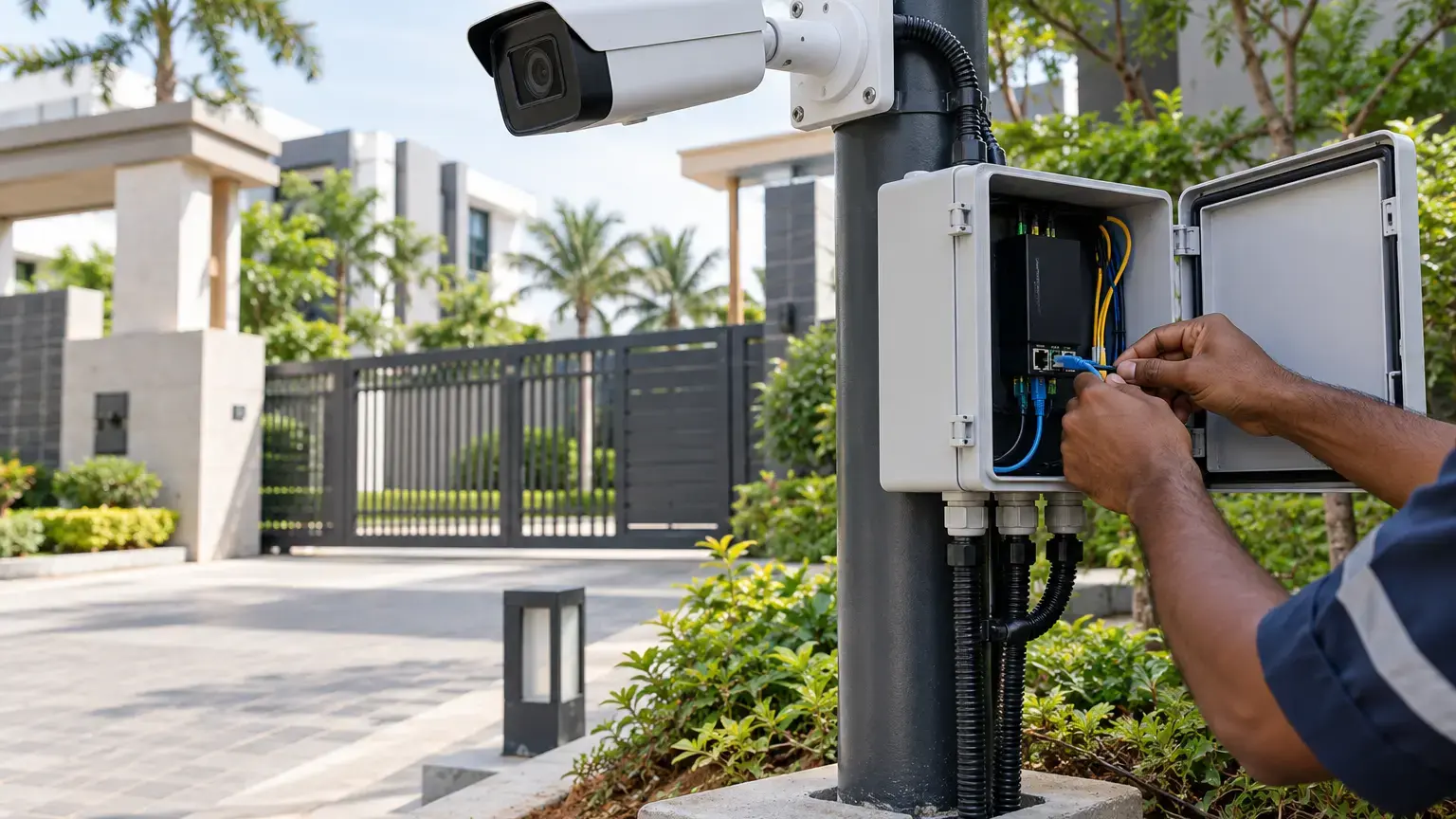
In a typical IP CCTV layout, copper Ethernet and PoE connect nearby cameras to a field or building switch. The switch aggregates those streams onto an optical uplink toward the core, VMS or NVR. The fiber carries Ethernet traffic, but it does not deliver PoE to the cameras. Every zone therefore needs an explicit plan for local input power, PoE capacity, backup power, environmental protection and safe access.
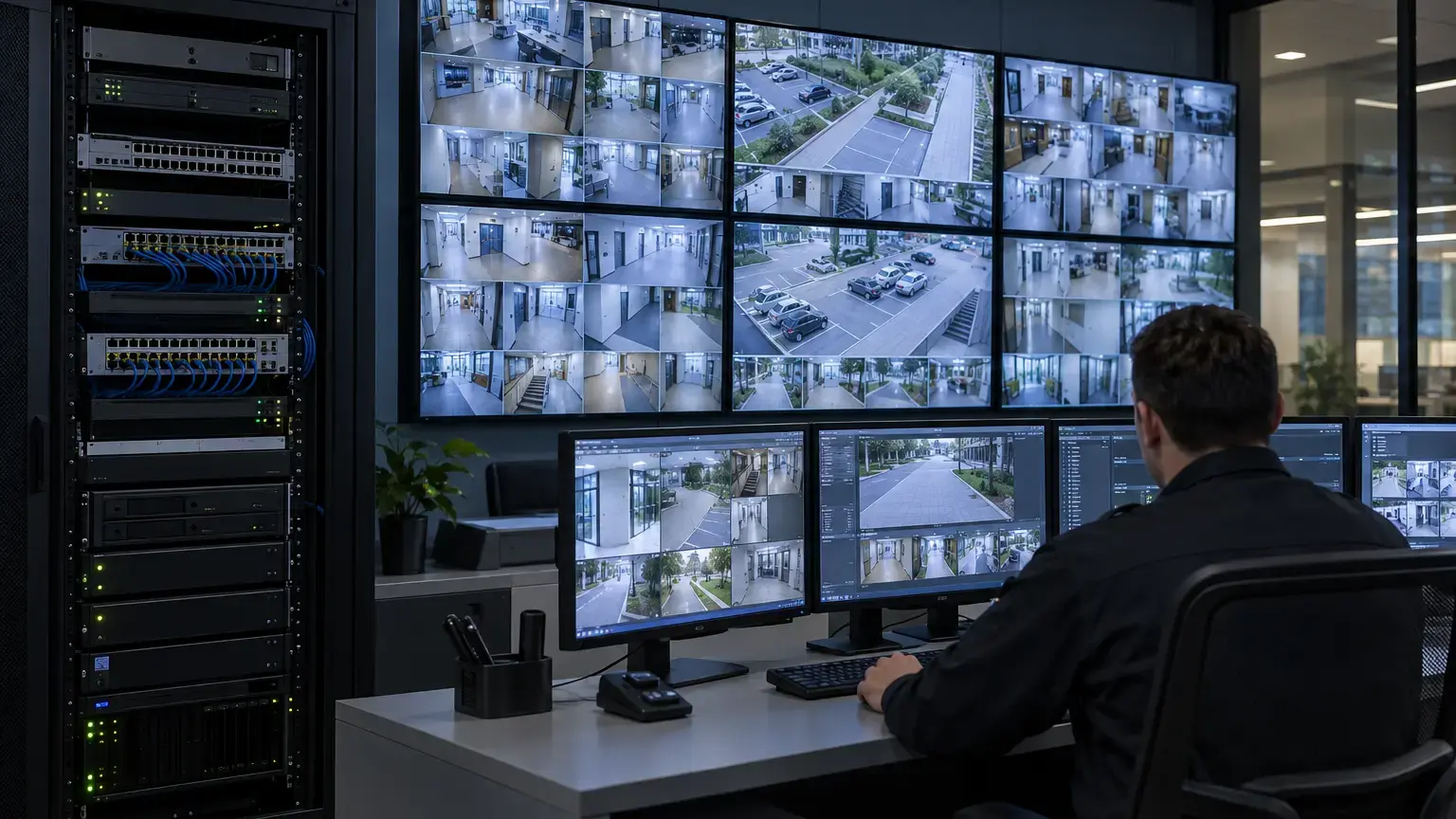
Document the path as one service chain: camera, copper link, access port, zone switch, optical interface, fiber cores, intermediate splices or panels, aggregation switch, recording system and operator client. A green link LED at either end proves only part of that chain.
Zone definition row: zone ID · camera IDs · field-switch ID · enclosure or room · power source · UPS source · uplink ports · optic IDs · fiber cable and core IDs · destination rack · recorder or VMS.
Calculate load from configured streams, not camera count
Do not assign one assumed bitrate to every camera. Record the actual main stream, substream and analytic metadata configuration for each camera or camera group. Resolution, codec, frame rate, scene activity, compression settings and vendor features can change the traffic. The official AXIS Camera Station Pro data sheet shows that recording systems can use multiple configurable streams, H.264 or H.265, and controllable frame rate and bandwidth. The chosen cameras and recorder must be checked against their own current documentation.
For each zone, sum the configured recording streams that cross the uplink. Then identify additional concurrent demand such as live multiview, mobile viewing, analytics metadata, playback, export, device management and software updates. If some viewing traffic is served from the recorder rather than directly from cameras, show that path separately. Record normal and agreed busy-state measurements after commissioning instead of treating a spreadsheet estimate as proof.
Traffic worksheet: camera ID · main stream profile · substream profile · destination · expected concurrent use · estimated contribution · measured normal load · measured busy-state load · evidence screenshot or export.
Select switches, optics and fiber as one supported channel
Choose the uplink speed only after calculating the traffic and operational reserve. Then verify the exact switch model, supported interface, transceiver or DAC model, wavelength, fiber type, connector, link distance and receive-power limits. Switch families can offer very different uplink combinations. For example, Cisco documents platform-specific 1G, 10G, 25G, 40G and 100G uplink options in the Catalyst 9300 Series data sheet. That is a reminder to check the selected platform, not a universal recommendation.
Retain the selected manufacturers' compatibility references with the project record. A connector that physically fits is not proof that the optic, switch and fiber path are supported together. Label both ends with the switch, port, optic and fiber identifiers, and connect those labels to the core-allocation and test reports.
Budget PoE and backup power at every zone
List the declared maximum power requirement and PoE class for each camera and any other powered device. Compare the total with the switch's per-port and system-wide PoE capability under the installed power-supply configuration. Include heaters, IR illumination, PTZ motion, illuminators and accessories where they are part of the selected equipment. Record actual switch PoE telemetry during relevant operating states, but do not substitute a brief daytime reading for the supported design load.
Define what must remain available during a power interruption. A core UPS does not protect an unpowered field switch. Where local UPS backup is required, record the protected load, target outcome, alarm path, safe test method and recovery result. The CCTV service is restored only when cameras, zone switches, uplinks, recording and operator access have all returned.
Design resilience without creating a loop
A second fiber is not automatically a resilient service. Document whether the intended topology is a second independent uplink, a switch stack or pair, a routed design, or a ring with a supported protection mechanism. Identify the normal forwarding path, the blocked or standby path, the failure cases to be tested and the acceptable service impact.
Never connect redundant Layer 2 paths and assume the switches will sort them out. Root selection, link aggregation, ring protocol or routing behavior must be deliberate and visible in the configuration. Use the switch redundancy and loop-prevention worksheet to record topology control and controlled failure tests.
Keep video, management and events traceable
Record the camera VLAN, gateway, permitted management paths, time source, addressing method and monitoring system for each zone. Limit network access to the flows required by the approved design. Treat camera credentials, firmware records and configuration backups as controlled handover information.
ONVIF Profile T covers advanced IP video streaming features including H.264 and H.265, imaging settings, events and metadata. ONVIF Profile M defines interfaces for analytics metadata and events. Conformance can support interoperability, but it does not replace validation of the exact camera, VMS, recorder and feature combination being delivered.
Test the end-to-end service under normal and failure states
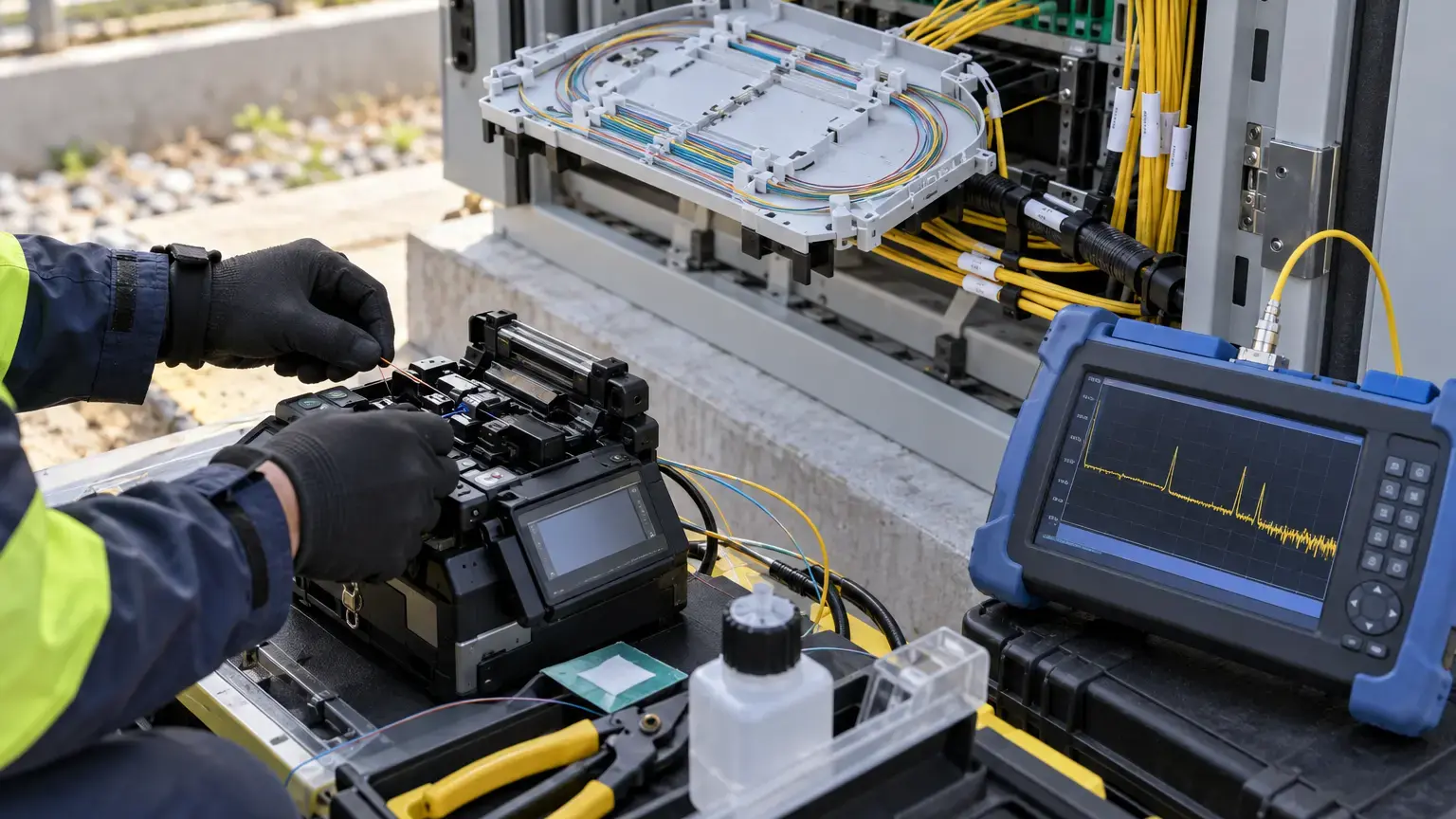
Begin with the passive fiber results and optical link state, then test the application outcome. Confirm live view, recording, playback, event handling, time synchronization and evidence export for cameras in every zone. Observe interface errors, negotiated speed, optical levels where exposed, PoE status and traffic during the agreed busy state.
For a resilient design, conduct controlled tests for the approved failures, such as one uplink, one fiber core, one switch or one power source. Record the start time, network convergence, camera availability, recording continuity, alarms, operator impact and restoration result. Do not claim zero interruption unless the evidence shows it for the tested scenario.
Failure-test row: test ID · affected zone · removed component · expected behavior · link transition · camera availability · recording gap or continuity · event result · recovery time · evidence filename · exception owner.
CCTV fiber-backbone acceptance worksheet
- Each camera is assigned to a named zone switch and access port.
- Every zone switch has a recorded location, enclosure, power source and UPS relationship.
- Main streams, substreams and analytics metadata paths are documented.
- Normal, busy-state and failure-state traffic assumptions are separated.
- Uplink capacity is checked against configured streams and concurrent operational demand.
- Switch, optic, wavelength, fiber type, connector and distance compatibility is retained.
- Fiber cable, core, splice, panel and port identifiers match the as-built records.
- End-to-end fiber test results are linked to the service path.
- Per-port and system-wide PoE requirements are checked for the installed switch configuration.
- Local backup power, alarm handling and recovery are tested where required.
- VLANs, addressing, time source, management access and monitoring are recorded.
- Redundant paths use an explicit, supported control method.
- Normal and controlled-failure states are witnessed without introducing an uncontrolled loop.
- Live view, recording, playback, events and export are tested from every zone.
- Interface errors, negotiated speed, optical state and PoE status are captured.
- Exceptions have an owner, corrective action, retest result and closure evidence.
Minimum handover pack
Provide the camera and switch inventory, zone schedule, logical and physical topology, IP and VLAN plan, stream-profile record, PoE budget, optic and fiber schedule, core-allocation drawing, fiber test reports, configuration backups, monitoring map, failure-test results, recording evidence, exception register and final acceptance signatures. Use the fiber core allocation and route-records worksheet for the optical path, the recording retention worksheet for storage assumptions, and the structured cabling and PoE worksheet for local copper links.
Planning CCTV across a campus, warehouse or township?
Share the camera schedule, site plan, field-zone locations, fiber routes, recording design and resilience requirement. We can coordinate the optical backbone, PoE switching, CCTV commissioning and handover records around the actual project scope.
Discuss the CCTV backbone ↗