

CCTV RECORDING RESILIENCE · 27 OCTOBER 2026
CCTV edge storage and failover recovery: an acceptance worksheet
RAID protects recordings after they reach a recorder, but it does not preserve video that never arrived because a switch, fiber uplink, network path or recording service was unavailable. Camera-edge storage can buffer video locally and return missing footage after service is restored. The complete feature must be sized, configured and tested as a recovery workflow, not accepted because an SD card is present.
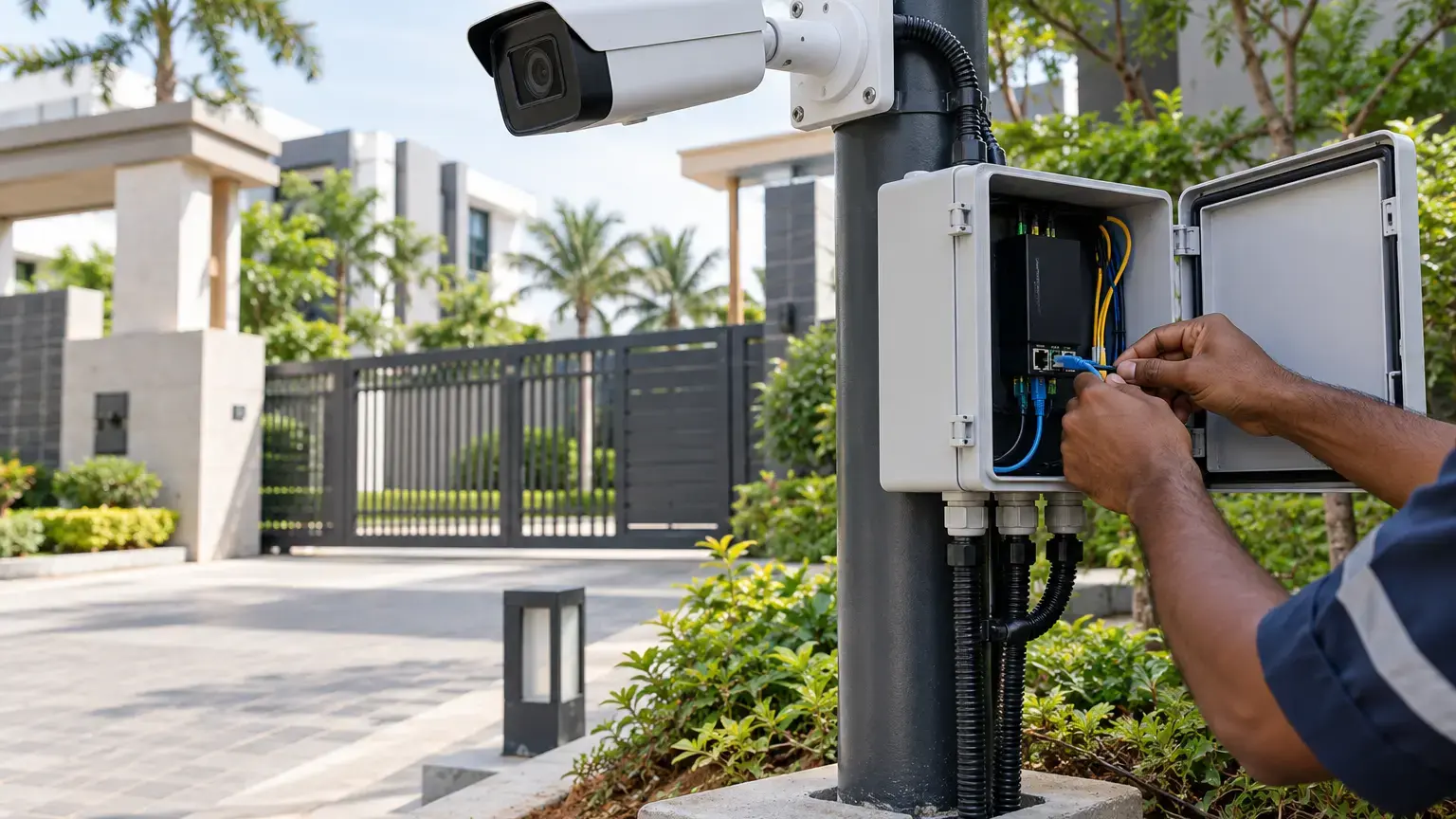
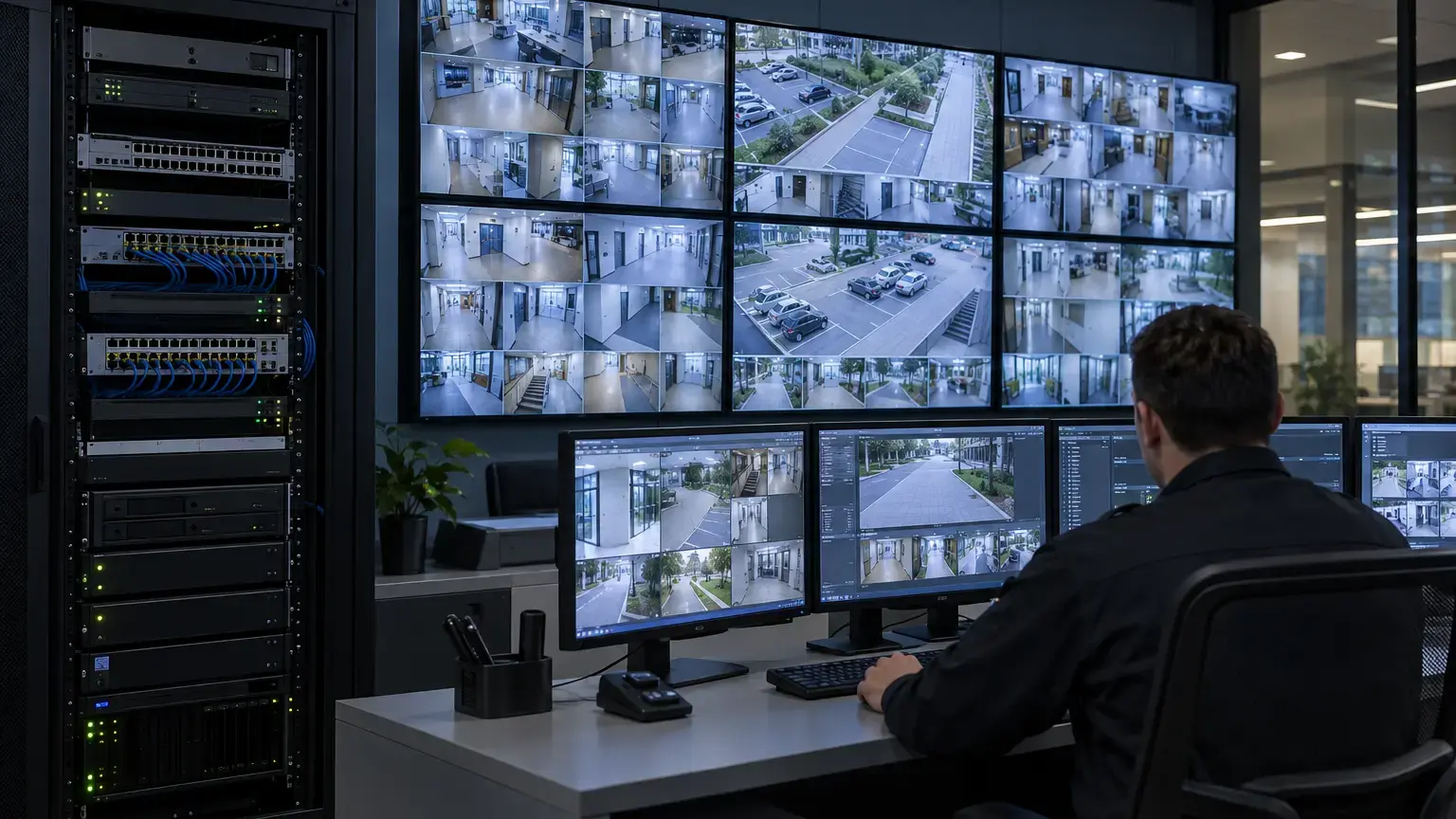
Visual reference photographs

Define the failure that edge storage must cover
State whether the design must survive loss of the camera-to-switch link, a field-switch uplink, the fiber backbone, the recording server, the VMS service or planned maintenance. These failures do not always trigger the same camera behavior. Some products start failover recording only when a specific recording session is lost, while other designs record continuously at the edge and retrieve selected footage later.
Axis documentation notes that failover behavior can depend on the exact product and interruption condition. For example, its Camera Station troubleshooting guidance states that certain failover recording does not operate during controlled server shutdowns or interruptions shorter than ten seconds. Test the supplied camera, recorder and software combination rather than assuming that every outage activates the same workflow.
Failure-scope row: camera ID · central recorder · protected failure · trigger condition · edge recording mode · recovery trigger · expected outage duration · evidence owner.
Confirm interoperability and recording control
ONVIF Profile G covers edge storage and retrieval functions for conformant products, including recording on the device and retrieval by a client. Profile conformance is a useful starting point, but it does not prove every camera, VMS, codec, event, audio track or metadata stream will recover exactly as required.
Create a tested compatibility matrix for the exact camera firmware, storage medium, VMS or NVR version and recording profile. Record whether continuous video, event video, audio and analytics metadata are stored and retrieved. Milestone documents that edge retrieval may begin automatically after reconnection, through a schedule or event rule, or by manual request, depending on configuration.
Calculate minimum usable edge capacity
Size storage from the actual failover stream and required outage duration. A simple decimal estimate is:
Required video storage (GB) = average bitrate (Mb/s) × outage hours × 0.45
Example: an 8 Mb/s stream for 12 hours requires about 43.2 GB before filesystem, indexing, audio, metadata, wear-reserve and design-margin allowances. Variable bitrate and complex scenes can raise the actual requirement, so measure representative recordings and add a documented margin.
Use the bitrate of the stream that will really be written to the card. A lower-resolution live view does not prove the storage demand of a high-resolution local recording. Check the camera's supported card type, maximum capacity, file system, recording mode and retention behavior. Use surveillance-rated media where the manufacturer requires it, and record card-health or wear status when available.
Calculate recovery traffic as a separate load
When connectivity returns, the network may carry the live stream and recovered backlog at the same time. Estimate the added recovery rate:
Average recovery bandwidth (Mb/s) = backlog size (GB) × 8,000 ÷ allowed recovery time (seconds)
Example: returning 43.2 GB within six hours needs an average of about 16 Mb/s in addition to live traffic, before protocol overhead and simultaneous recovery from other cameras. If 40 cameras recover together, an unmanaged backfill could affect the uplink, recorder and viewing clients.
Define whether retrieval is parallel, staggered, rate-limited or priority-based. Measure actual recovery completion time and observe switch interfaces, fiber uplinks, recorder write load, live-view latency and packet drops during the test.
Keep camera and recorder time aligned
Recovered clips must join the central timeline at the correct time. Hanwha's Auto Recovery Backup procedure specifically calls for matching camera and NVR time, with the NVR usable as an NTP source. Use a documented time hierarchy and verify time zone, daylight-saving settings where applicable, NTP reachability and drift during isolation.
Record the last central frame before failure, the first edge frame, the last edge frame and the first restored central frame. A visually continuous timeline can still contain duplicate timestamps, overlaps or missing seconds, so verify exports and timestamps rather than relying only on the playback bar.
Test the storage medium before the outage
Confirm that the card is recognized, healthy, formatted by the approved method and actually recording the intended stream. Verify overwrite behavior when full, event pre-buffer and post-buffer where used, encryption settings, removal alarms and replacement procedure. A card installed but not mounted, worn out or assigned to the wrong recording profile provides no resilience.
Edge storage has physical risks that central storage does not. Milestone notes that recordings may be lost if the camera is stolen, vandalized or fails. Treat edge storage as protection against specified availability failures, not as a universal backup or a substitute for protected central retention.
Run a controlled failover and recovery test
- Capture baseline live and central recording status for the selected camera.
- Verify edge-media health, free capacity, stream profile and time synchronization.
- Create a visible, time-stamped test event before isolation.
- Introduce one approved failure at the documented boundary.
- Confirm the camera begins or continues edge recording as designed.
- Create several visible events during the outage, including motion if event recording is used.
- Restore connectivity and record the reconnection time.
- Observe retrieval status, live-stream continuity, uplink load and recorder load.
- Confirm recovered footage appears in the central timeline.
- Export clips spanning the pre-failure, outage and post-recovery periods.
- Check timestamps, audio, metadata, gaps, overlaps, duplicates and playback.
- Repeat for recorder-service failure if it is a separate protected condition.
Acceptance worksheet
- Each camera has a stated protected failure and required outage duration.
- The exact camera, firmware, card, recorder and VMS combination is recorded.
- ONVIF Profile G or vendor-specific compatibility is documented where used.
- Video, audio, event and metadata recovery scope is explicit.
- Required edge capacity is calculated from the configured recording stream.
- Filesystem, overhead, retention and design margins are included.
- Storage health, format, overwrite and removal-alarm behavior are verified.
- Camera and recorder use an approved time source and matching time settings.
- Failover begins for each stated failure condition.
- Visible test events are preserved throughout the outage.
- Recovery bandwidth and completion time are measured under representative load.
- Live viewing and new central recording continue during backfill.
- The central timeline is checked for gaps, overlaps and duplicates.
- Recovered footage exports with correct timestamps, audio and metadata where required.
- Card failure, camera theft and unprotected failure modes are recorded as residual risks.
Minimum handover pack
Provide the camera and recorder matrix, failure-scope schedule, storage calculations, card model and serial or asset reference, health status, recording profiles, NTP design, recovery-bandwidth estimate, test timeline, VMS retrieval logs, network and recorder load evidence, exported proof clips, exceptions, residual risks and replacement procedure. Link this record to the recording retention worksheet, time and evidence-export worksheet and CCTV fiber-backbone worksheet.
Primary technical references
- ONVIF: Profile G for edge storage and retrieval
- Axis: Edge storage white paper
- Axis: Camera Station troubleshooting guide
- Hanwha Vision: Set up Auto Recovery Backup
- Milestone: Edge storage technical overview
- Milestone: Edge storage used as failover recording
Planning resilient CCTV recording for a property or campus?
Share the camera list, bitrate profiles, recorder platform, fiber topology and required outage coverage. We can coordinate network paths, edge-storage sizing, recovery testing and practical handover evidence around the site's operating needs.
Discuss CCTV recording resilience ↗