

CCTV MULTICAST NETWORKING · 28 OCTOBER 2026
CCTV multicast and IGMP: a network acceptance worksheet
Multicast can deliver one live CCTV stream to several operator screens without creating a separate unicast copy for every viewer. If group addresses, IGMP snooping or the querier are wrong, the same design can flood access ports, lose video after a timer expires or fail across a routed boundary. This worksheet makes multicast behavior visible and testable before handover.
Visual reference photographs
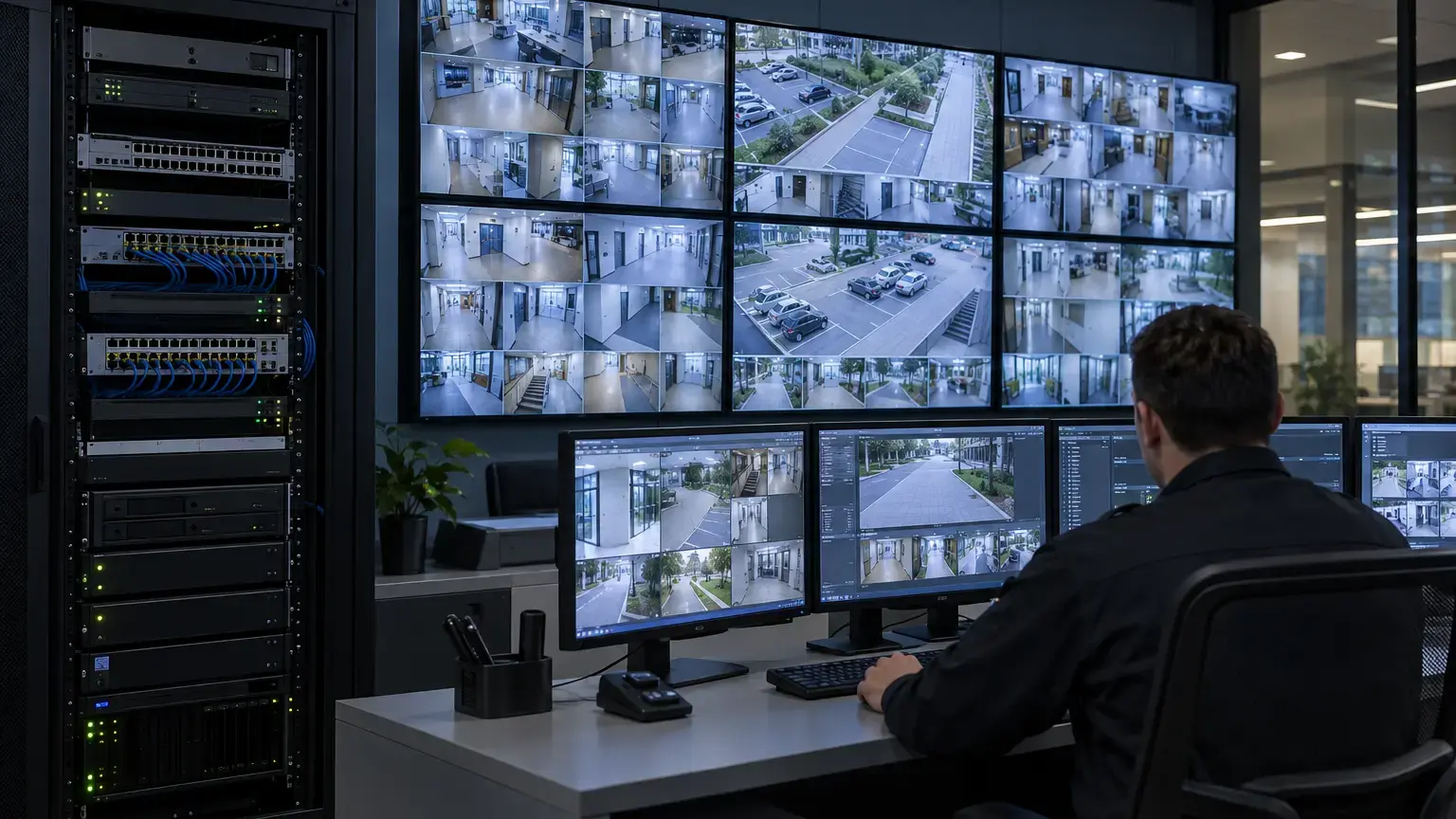
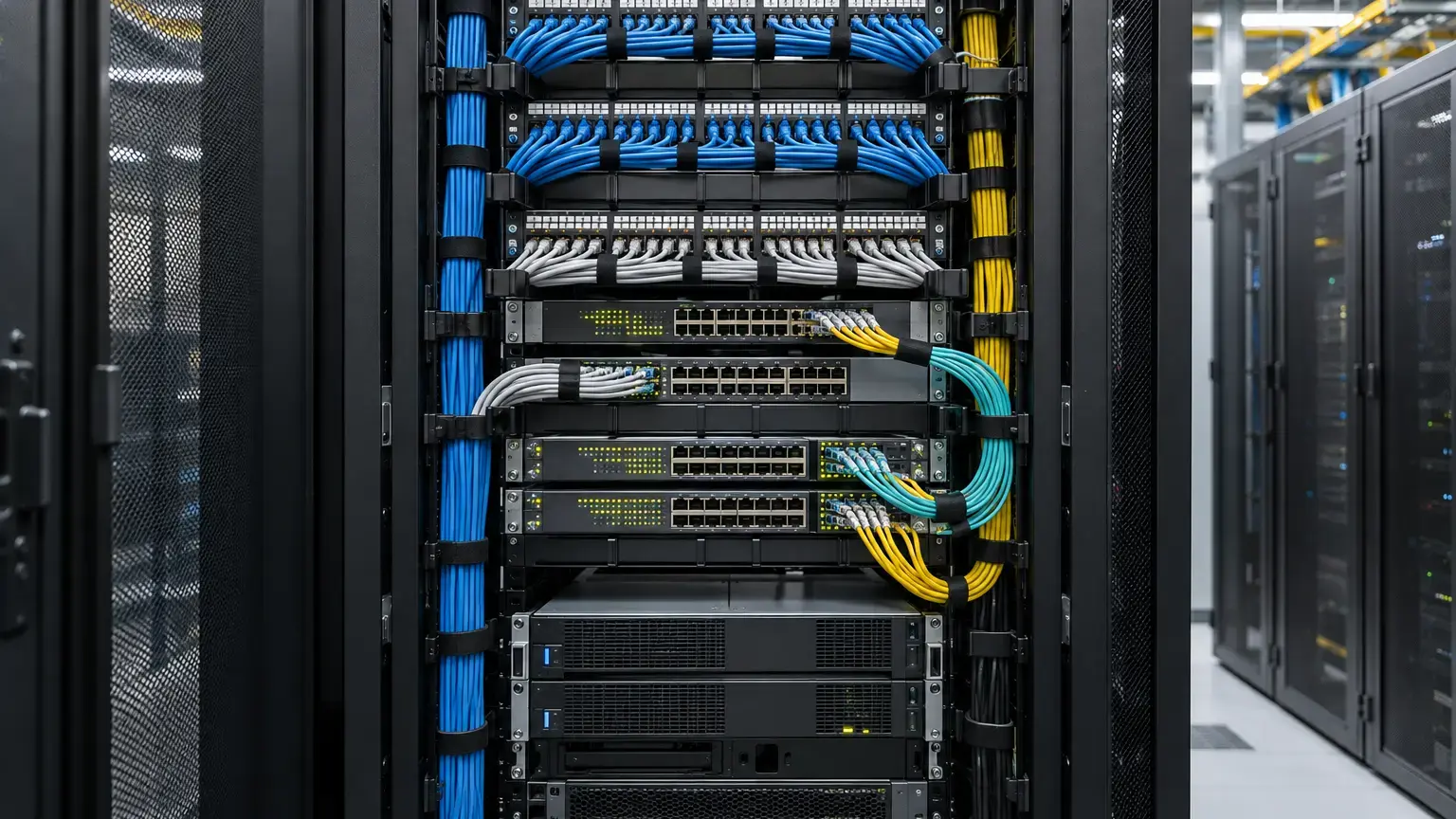
Choose multicast only where receivers share a live stream
Unicast sends a separate stream to each receiver. Multicast sends one stream into the network and the switching fabric replicates it only where receivers have joined the group. Milestone documents multicast as useful when multiple Smart Client users view the same live camera, and notes that it applies to live streams rather than recorded video or audio.
Do not enable multicast everywhere by default. Recording servers may still use unicast camera connections while a VMS distributes live multicast to clients. Some designs send multicast directly from cameras to decoders. Write down which component is the source, which receivers join, and whether the stream is for live display, recording, analytics or all three. The exact VMS and camera documentation controls what is supported.
Stream row: camera and profile · multicast source · group address · UDP or RTP port · VLAN · bitrate · codec · resolution · frame rate · authorized receivers · recording path · owner.
Calculate the bandwidth benefit correctly
For one camera stream with bitrate B and N simultaneous viewers, a first-pass source-side comparison is:
Unicast source traffic = B × N
Multicast source traffic = B
Source-side saving = B × (N − 1)
Example: an 8 Mbit/s stream displayed by 12 receivers would require about 96 Mbit/s from the source under separate unicast delivery, compared with about 8 Mbit/s from a multicast source. This does not mean every uplink carries only 8 Mbit/s. Each branch that leads to at least one joined receiver carries a copy, and a receiver access port carries the groups joined on that port. Add protocol overhead and other services when sizing links. The numbers are illustrative.
Multicast saves repeated source and shared-path traffic when viewers request the same profile. It does not reduce camera encoding load if different receivers request different codecs, resolutions or frame rates.
Use a controlled group-address plan
Assign each multicast-enabled profile a unique group and port combination within the approved address plan. Hanwha Vision's troubleshooting guidance warns that each camera must use a unique multicast IP address. Duplicate assignments can make a receiver display the wrong source or create intermittent behavior that looks like a decoder fault.
Record the source IP, group address, destination port, TTL and VLAN. Avoid casually using reserved control ranges or copying default addresses across cameras. If multicast must cross a router, define the routed multicast design, source and receiver subnets, TTL, security boundaries and routing protocol separately. A same-VLAN success does not prove routed delivery.
Keep RTSP authentication enabled unless there is a documented public-stream requirement. Hanwha Vision's camera-hardening guide recommends disabling unauthenticated RTSP and unused multicast services. Network isolation and group membership are not substitutes for camera authentication and access control.
Understand what IGMP snooping does
A Layer 2 switch normally cannot learn a multicast destination from ordinary source-address learning. Axis explains that this can cause multicast frames to flood all ports. IGMP snooping observes membership reports and builds a forwarding table containing each group and its interested ports, so unwanted receivers do not receive the stream.
Enable and verify snooping on the CCTV VLAN where supported. Do not stop at the configuration line. Inspect the operational group table while each decoder or client joins and leaves. Cisco describes IGMP snooping as examining Layer 2 multicast traffic to discover interested receiver ports and reduce bandwidth consumption across the LAN.
Operational evidence row: VLAN · group · source · querier address · receiver port · router port · join time · leave time · forwarding state · observed bitrate.
Provide one deliberate querier per VLAN
Snooping tables need periodic membership control traffic. In a routed multicast VLAN, the multicast router normally sends queries. In an isolated Layer 2 CCTV VLAN without a multicast router, a supported switch can act as the IGMP snooping querier. Cisco's current IOS XE guidance explicitly supports this arrangement for subnets without multicast interfaces.
Record the elected or active querier address and its backup behavior. Verify which device wins an election and what happens after the primary switch or SVI fails. Two unmanaged assumptions can create either no querier, causing membership to age unpredictably, or an unexpected querier with different version and timing behavior.
Confirm the IGMP version used by the querier, switches and receivers. Do not enable immediate-leave processing unless the access topology guarantees one receiver per port and the vendor behavior is understood. A downstream unmanaged switch with several receivers can make one leave remove service for the others.
Test joins, leaves and unknown multicast
- Start with no receiver joined and measure traffic on a nominated nonreceiver port.
- Open one approved live view and confirm a membership entry appears for the correct group and port.
- Confirm video starts within the agreed join time and uses the intended profile.
- Add receivers on separate switches and verify replication only along the required branches.
- Close one receiver and observe the leave or membership timeout without interrupting remaining viewers.
- Stop every receiver and confirm the group ages out of edge ports as designed.
- Send or enable a controlled, unused multicast group and verify the documented unknown-multicast policy.
- Review access-port and uplink counters for unintended flooding, drops or congestion.
Testing only the video wall is insufficient. Mirror or monitor a nonreceiver port, or use switch counters, to prove that a 10 Mbit/s camera stream is not being delivered to unrelated cameras, intercoms, access controllers or workstation ports.
Check topology changes and querier failure
Cisco notes that IGMP snooping responds to topology-change notifications, and current IOS XE documentation deletes learned groups when a relevant port, port group or VLAN changes. Test the actual redundancy design under a maintenance window: an uplink failover, switch restart or querier loss can temporarily flood or interrupt streams even when ordinary unicast traffic reconverges correctly.
Capture live-view continuity, group-table changes, uplink utilization and recovery time. If a topology change triggers temporary flooding, confirm that access links and powered devices tolerate the burst without packet loss or CPU overload. Recheck the querier after recovery rather than assuming the original device resumed control.
Distinguish camera multicast from VMS multicast
Direct camera multicast makes the camera the source and can reduce duplicate output streams, but every participating network segment and receiver must support the design. VMS multicast may use the recording server as the source for live clients, which changes the source location, group table and bandwidth path. Milestone's 2026 documentation says its live multicast is delivered from recording servers to clients.
Record the source MAC and IP observed on the wire. This prevents technicians from troubleshooting the camera switch when the actual multicast source is the server rack. Also confirm whether the VMS falls back to unicast when multicast is unavailable, and whether that fallback can overload the server or uplink.
Acceptance worksheet
- The business reason for multicast and the supported product workflow are documented.
- Each source, profile, group address, port, TTL and VLAN has one controlled record.
- No unintended duplicate group assignment exists.
- Recording, analytics and live-view paths are distinguished.
- Expected unicast and multicast source traffic are calculated.
- All required switches support and enable IGMP snooping on the CCTV VLAN.
- The operational snooping table shows only intended receiver ports.
- The active querier, address and IGMP version are recorded per VLAN.
- Querier backup or recovery behavior is tested.
- Join time meets the approved operator requirement.
- One receiver leaving does not interrupt other receivers.
- Nonreceiver access ports do not receive subscribed camera traffic.
- Unknown-multicast behavior is documented and tested.
- Uplink failover and topology recovery preserve or restore the groups as designed.
- Bandwidth, drops and CPU are checked during the busiest approved layout.
- RTSP authentication and unused multicast services follow the security policy.
- Native switch tables, VMS settings, packet evidence and exceptions enter the handover pack.
Minimum handover pack
Provide the camera and stream schedule, multicast address register, VLAN and topology diagram, source and receiver list, bandwidth calculation, snooping configuration, operational membership tables, querier and backup record, join and leave measurements, nonreceiver-port evidence, topology-failure result, VMS fallback behavior, security settings and approved exceptions. Link this record to the control-room decoding worksheet, CCTV fiber-backbone worksheet and CCTV cybersecurity worksheet.
Primary technical references
- Axis Communications: Network switch configuration guide
- Cisco: IOS XE multicast configuration, IGMP
- Cisco: Configuring IGMP snooping
- Milestone: XProtect Smart Client multicast settings
- Hanwha Vision: Multicasting on cameras
- Hanwha Vision: IP Camera Network Hardening Guide
Planning multicast CCTV for a campus or control room?
Share the camera profiles, VMS, switch models, VLANs, screen layouts and redundancy design. We can coordinate network configuration, live-view testing, fiber uplinks and handover evidence around the approved surveillance architecture.
Discuss CCTV multicast acceptance ↗