

CCTV COMMISSIONING · 7 OCTOBER 2026
CCTV night image usability: an acceptance worksheet
A camera can look sharp in daylight and still produce unusable evidence after dark. Slow shutter, excessive gain, IR reflection, headlight glare and uneven lighting can hide the person, vehicle or event the camera was installed to record. Night acceptance should therefore test recorded evidence in the actual scene, with movement, not rely on a bright daytime live view.
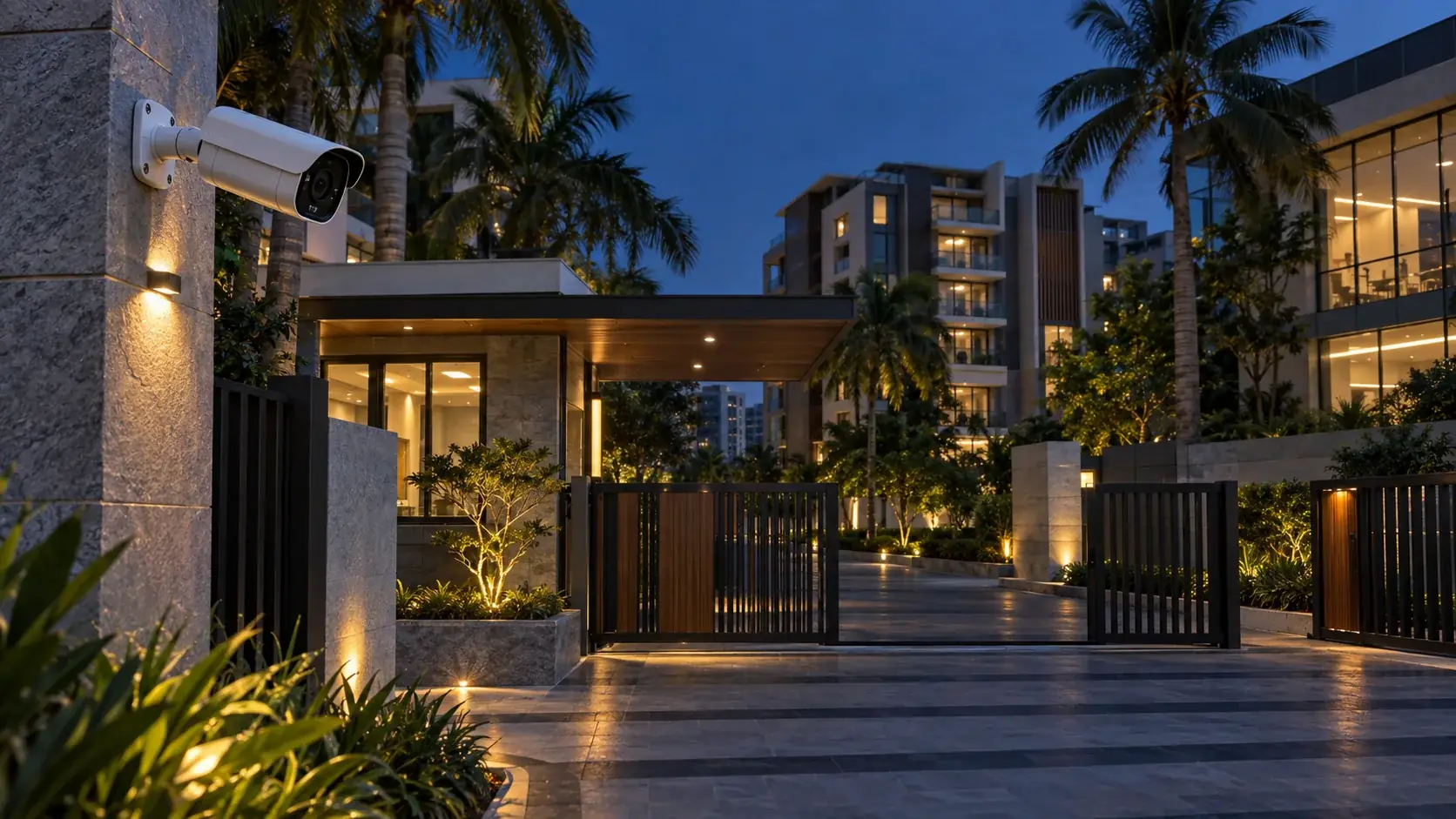
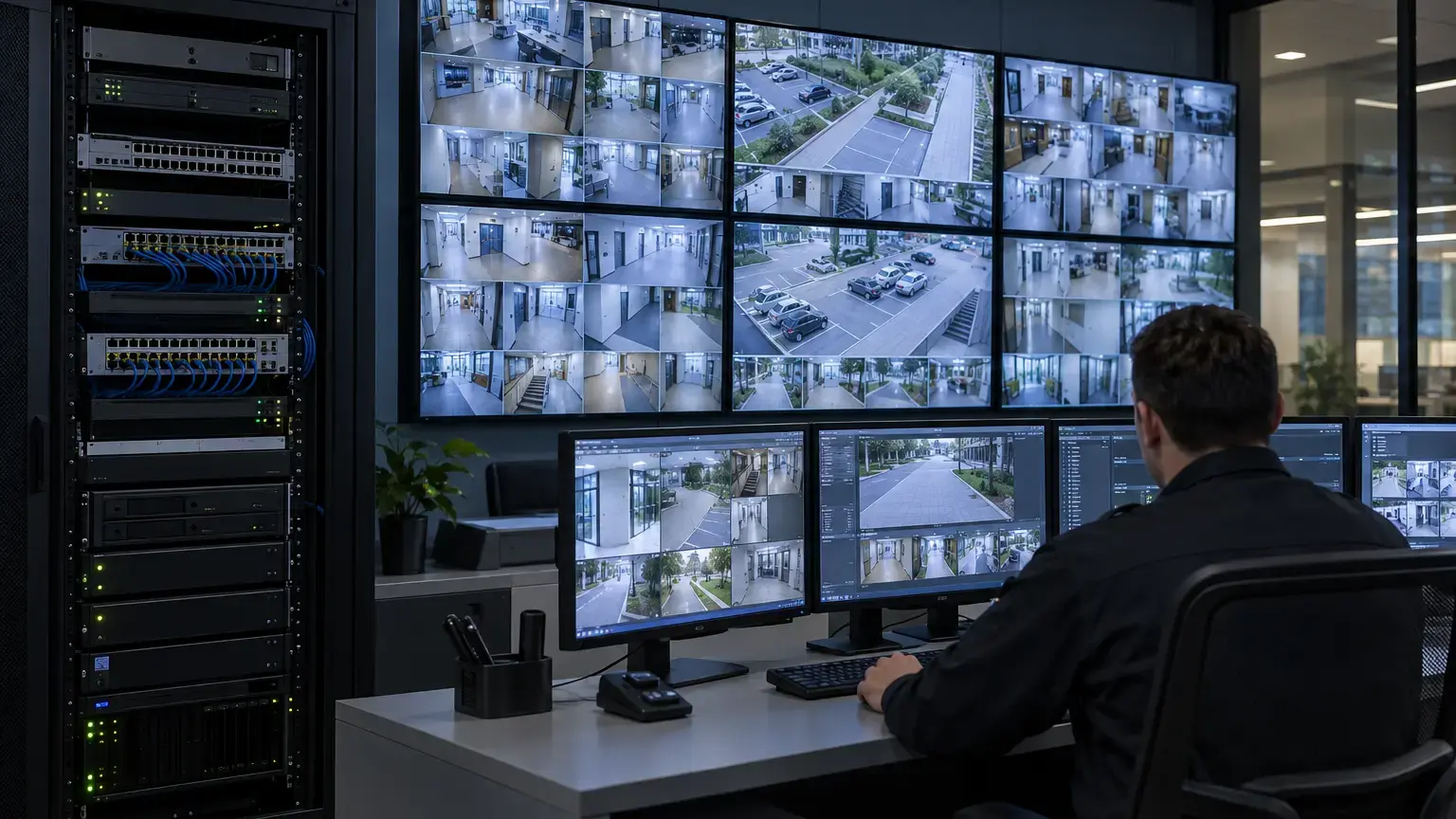
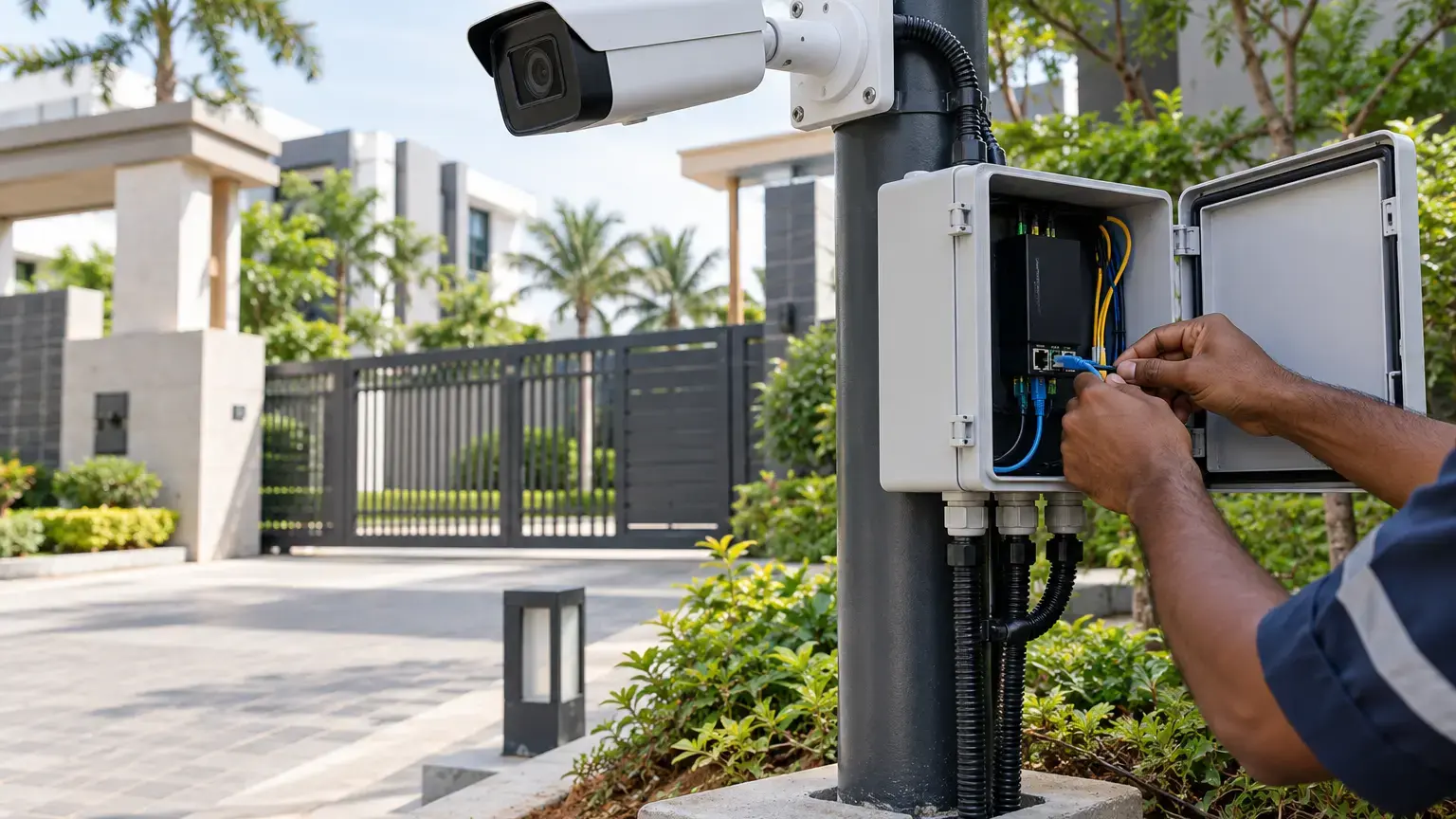
Visual reference photographs
Define what the night view must prove
Begin with one purpose for each view: overview, detection, observation, recognition, identification, vehicle description, number-plate capture or another agreed task. A wide overview and a detailed identification view are different deliverables. The official Axis Quality with a Purpose white paper recommends defining the use case first because overview and identification needs lead to different design decisions.
For each camera, mark the target zone on the plan and record the expected target direction, distance, speed and lighting condition. State what evidence must remain visible: face, clothing, vehicle type, registration plate, carried object, boundary crossing or activity sequence.
Night-view row: camera ID · purpose · target zone · target distance · expected movement · lighting state · required detail · test clip · observed result · exception owner.
Test motion, not only a stationary frame
Low-light cameras may extend exposure time to collect more light. The image can appear bright while a walking person or moving vehicle becomes blurred. Axis notes in its image-quality troubleshooting guide that aperture, gain, depth of field, WDR, IR reflections and other settings affect usable image quality. Its camera guidance also explains the trade-off between image noise and motion blur.
Run a controlled walk test through each target zone at normal speed and in the expected direction. For gates and driveways, use an approved vehicle movement at the actual operating speed. Review the recording frame by frame and confirm that the required detail remains visible during movement. A paused subject beside the gate is not a valid substitute.
Check every lighting state
Test the scene with normal exterior lights on, lights off where permitted, vehicle headlights facing the camera, entrance doors open, lobby lights behind the subject and any automatic lighting in both states. Record when the camera changes between color and monochrome modes and whether the switch produces a temporary loss of useful evidence.
Scenes such as gates, parking ramps and glass entrances often contain bright and dark areas at the same time. The Axis wide dynamic range white paper explains that WDR performance depends on the scene, movement, exposure and processing, not only a stated dB value. Accept the actual recorded result for the target zone rather than treating a datasheet number as proof.
Find IR reflections and overexposure
Built-in IR can reflect from a nearby wall, soffit, pole, glass cover, vegetation, dust, insects or a dirty dome. The centre may look bright while the target zone becomes dark, hazy or washed out. Check the image after cleaning the lens window and after all final brackets, sunshields and nearby finishes are installed.
- Look for bright rings, haze, hotspots and dark corners.
- Check whether a wall or ceiling occupies too much of the frame and drives exposure away from the target.
- Confirm that insects and moving vegetation do not dominate illumination or analytics.
- Verify that number plates and reflective clothing are not completely overexposed.
- Check that external illuminators point at the target zone and do not shine into another camera.
- Repeat the test after any change to angle, zoom, IR intensity or lighting.
Verify framing and target detail
Use a person or approved test target at the nearest, middle and farthest important points in the zone. Confirm focus and useful detail at each point. Where the camera supports it, a pixel counter can help verify that the defined target occupies the intended part of the image. The Axis camera manual describes using a pixel counter around an area of interest and also documents controls for low light, WDR and privacy masks.
Do not enlarge a small subject digitally and assume the camera captured new detail. Record the native stream resolution, lens setting, field of view and target size used for acceptance. If the purpose requires a tighter view, correct the lens, position or camera count.
Review the recorded stream and export
The accepted evidence must come from the stream that is actually recorded. Confirm the recorder channel, resolution, frame rate, compression, bitrate mode, recording schedule and retention profile. Review clips through the normal playback client and export the same interval using the handover procedure.
Compare live and recorded views for lost detail, dropped frames, incorrect timestamps and compression artifacts. Image usability must survive the complete chain from camera through network and recorder to operator playback. Axis explains in its image usability guidance that recorded footage needs to retain useful forensic detail after compression and storage.
Night acceptance sequence
- Record the camera ID, purpose, target zone and agreed evidence requirement.
- Capture a daylight reference clip without changing the final lens position.
- Repeat after dark under normal site lighting.
- Walk through the near, middle and far target points at expected speed.
- Test the critical backlight or headlight condition.
- Inspect IR reflections, hotspots, haze, focus and exposure transitions.
- Review the recorded stream at normal playback and frame by frame.
- Export a short clip and verify time, playback and required detail.
- Record camera settings and any change made during the test.
- Repeat the affected test after adjustment.
- Attach clips or still references to the acceptance row.
- Assign every failed or conditional view to an owner and closure date.
Engineering worksheet
Create one row per camera and one result column for each required lighting state. Use a clear result such as pass, conditional pass, fail or not applicable. Keep a reference to the exact recording or exported clip. If weather, landscaping or unfinished civil work prevents a representative test, record the limitation and schedule a repeat visit.
Related reading: use the villa CCTV planning worksheet to define camera purposes, the video analytics worksheet to test detection zones, and the time synchronization and evidence export worksheet for traceable recordings. See CCTV and surveillance services for planning, installation, recording and handover scope.
Planning or accepting CCTV for a residential or commercial site?
Share the camera schedule, target zones, lighting conditions, recording plan and handover requirements. We can structure the installation and acceptance tests around the evidence each view must deliver.
Discuss the CCTV project ↗