

CCTV RECORDING RESILIENCE · 28 OCTOBER 2026
CCTV RAID degradation and rebuild: an acceptance worksheet
A recorder can show a healthy camera count while its disk array has lost redundancy, its alarm is unnoticed and a rebuild is competing with live recording. This worksheet proves detection, degraded operation, safe replacement, rebuild performance and return to protected service.
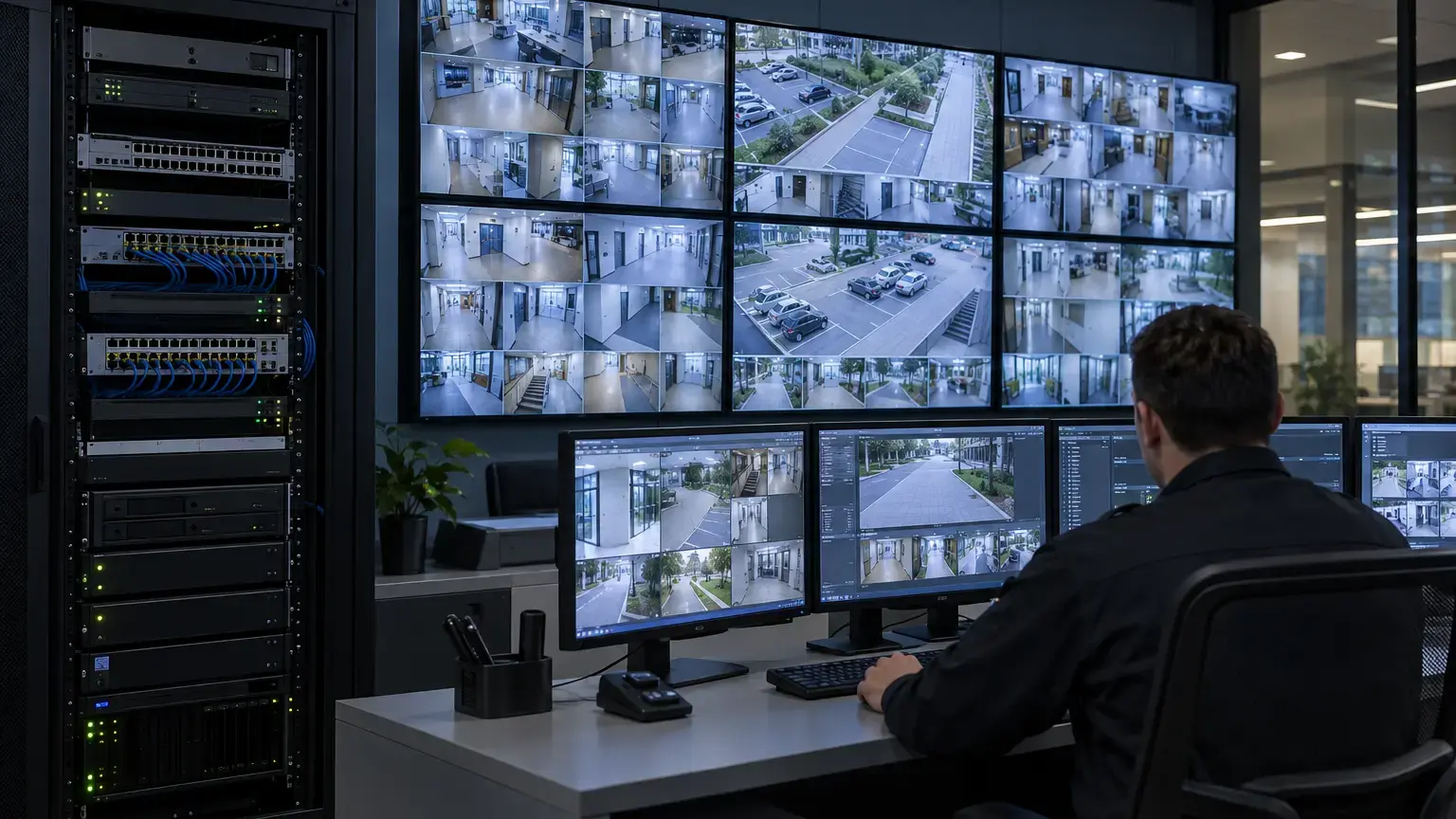
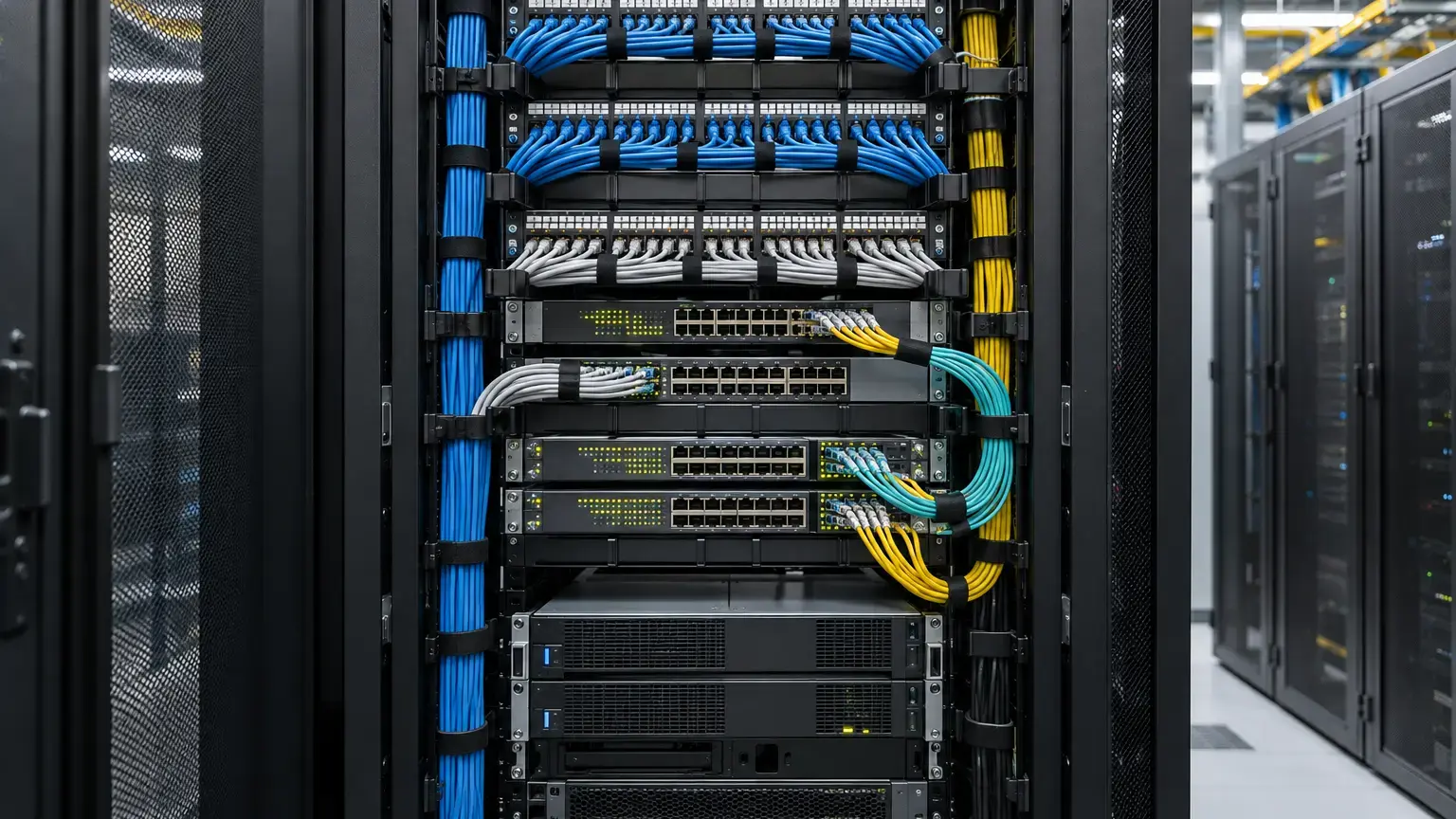
Visual reference photographs

RAID availability is not a footage backup
RAID can keep a supported array operating after a permitted disk failure. It does not protect against recorder theft, deletion, malware, controller failure, fire, flood, accidental reformatting or failures beyond the selected RAID level. Hanwha Vision recommends periodic backup of important data even with RAID. Protect critical incidents through a separate export or approved backup workflow.
Acceptance must answer two questions: does the array tolerate its promised failure condition, and can evidence survive an event affecting the whole recorder? The second is not complete merely because the front panel says RAID.
Freeze the supported design
Record the recorder model, firmware, controller, RAID level, disk count, disk model and firmware, nominal capacity, hot spare, encryption state and supported replacement procedure. Use the manufacturer's compatibility list. An equal-capacity generic drive is not automatically approved.
Array record: recorder ID · location · model and serial · firmware · RAID level · drive count · drive model and capacity · bay map · hot spare · usable capacity · recording allocation · encryption key custody · replacement stock · owner.
Define states and response
Axis documents Online, Degraded, Syncing and Failure states. In Degraded state, recording and playback may continue but redundancy is absent. During Syncing they can continue, yet protection returns only when synchronization completes. Axis warns not to remove another RAID disk during synchronization.
Define who receives the alarm, confirms the bay, authorizes replacement, protects evidence and declares the array healthy. A red LED without an attended escalation path is not resilience.
Prove the alarm path
Axis supports a RAID degraded event and email action on applicable recorders. Other systems may use VMS events, SNMP or a health dashboard. Test the path the facilities or security team will actually use. Capture detection, delivery and acknowledgement times, recipient, recorder identity, state and failed bay.
Alarm delivery time = acknowledgement timestamp - fault detection timestamp
Set the limit from the site's response plan. Verify recovery notification too.
Calculate rebuild exposure
A rebuild reads surviving disks, reconstructs data and writes the replacement while cameras generate video. Milestone identifies broken or replaced RAID disks as a cause of storage-performance degradation and recommends observing disk latency, idle time, media queues and media loss.
Estimated rebuild hours = data to reconstruct (MB) ÷ effective rebuild rate (MB/s) ÷ 3,600
Concurrent recording volume (TB) = aggregate bitrate (Mbit/s) × rebuild hours × 3,600 ÷ 8 ÷ 1,000,000
Illustrative example: 8,000,000 MB at an effective 80 MB/s takes about 27.8 hours. A 600 Mbit/s workload writes about 7.5 TB then. Measure the installed system because priority, disk condition, playback, exports and archiving change the rate.
Protect capacity and retention
Logical capacity may remain visible while degraded, but latency or a full volume can interrupt recording. Axis Camera Station Pro documents forced cleanup and can stop recording until free space returns. Milestone documents product-specific deletion or archiving near its free-space threshold. Record free capacity, daily write volume and oldest footage before rebuilding. Avoid unrelated storage work unless included in the approved stress test.
Use a safe failure simulation
Use only a manufacturer-supported method in an approved window. Prefer a documented logical test or controlled replacement on hot-swap equipment. Never pull an arbitrary disk from an unknown array. Begin healthy, complete required evidence exports, keep approved replacement stock ready and identify the correct bay.
Do not simulate a second failure while degraded or rebuilding. Do not change RAID level as a test. Axis warns that changing RAID level reformats the file system and deletes data.
Test recording while degraded
Note the fault timestamp and verify the expected state. Test representative cameras across buildings, switches, fiber zones and profiles. Confirm new video is written, live view works, recent and older footage play, and an export completes with correct time and identity. Inspect logs for gaps, write failures and timeouts. A green camera icon does not prove video reached disk.
If failover servers or edge storage exist, confirm whether degraded RAID should trigger them. Degraded but available storage differs from unavailable storage.
Replace and observe
Identify the failed disk in software and the physical bay. Axis recommends checking drive status rather than relying only on LEDs because all LEDs may be red during a RAID failure. Use electrostatic-discharge precautions and the supported hot-swap or shutdown procedure.
Confirm Rebuilding or Syncing, the correct replacement and advancing progress. Log milestones, completion estimate, temperature, errors and alarms. If a hot spare starts automatically, replace the failed disk and restore the spare policy afterward.
Measure representative load
Run normal recording plus representative playback. Add exports or archiving only to the level expected in service. Monitor CPU, memory, storage latency, queues, utilization, media loss and recording state. Check footage around rebuild start, high-load intervals, milestones and completion, including high-bitrate and remote fiber-connected cameras.
Confirm restored protection
At completion, confirm Online or equivalent healthy state, restored redundancy, disks, hot spare, capacity, retention and cleared alarms. Repeat playback and export, then review the complete rebuild window for gaps. Save the system report, array status, drive inventory, timestamps, performance evidence and replacement record.
Acceptance worksheet
- Supported recorder, firmware, RAID level and disks are recorded.
- Each bay maps to a disk identity and serial.
- Capacity, allocation, free space, retention and evidence locks are recorded.
- The team understands RAID is not evidence backup.
- Approved replacement disks and procedure are available.
- Online, Degraded, Rebuilding or Syncing, and Failure are documented.
- The alarm reaches the team with site and recorder identity.
- Alarm and recovery times are captured.
- The rebuild estimate uses effective rate, not interface speed.
- Concurrent recording volume and headroom are calculated.
- The simulation is supported and approved.
- Recording, playback and export continue as designed.
- No second-failure test or RAID-level change is attempted.
- The failed bay is confirmed before replacement.
- Progress, temperature, errors and performance are monitored.
- Representative cameras are checked for gaps.
- The final state confirms redundancy and spare policy.
- Reports, disk handling and follow-up ownership enter the handover pack.
Minimum handover pack
Provide the inventory, supported disk list, bay map, RAID and spare policy, capacity and retention record, alarm matrix, rebuild calculation, approved test method, degraded-mode results, measurements, gap review, final healthy-state evidence, replacement record, backup procedure and contacts. Link this to the retention worksheet, edge failover worksheet and evidence export worksheet.
Primary technical references
- Axis: AXIS Camera Station Pro
- Axis: AXIS S4000 Rack Recorder
- Milestone XProtect 2026 R1: Storage and archiving
- Milestone: Storage troubleshooting
- Hanwha Vision: RAID levels
- Synology: Surveillance Station recording
Planning CCTV recording storage?
Share the recorder models, disks, camera count, bitrate, retention target, alarm path and resilience design. We can coordinate calculations, network checks, acceptance testing and handover records.
Discuss CCTV recording resilience ↗