

CCTV INTEROPERABILITY · 29 OCTOBER 2026
ONVIF Profile T and M interoperability: an acceptance worksheet
A camera and recorder can both display an ONVIF logo yet still disagree on H.265 streaming, motion events, metadata, audio, relay control or secure transport. Real interoperability is the tested overlap between the exact device, client, firmware, enabled feature and network path. This worksheet turns that overlap into a procurement and handover record.
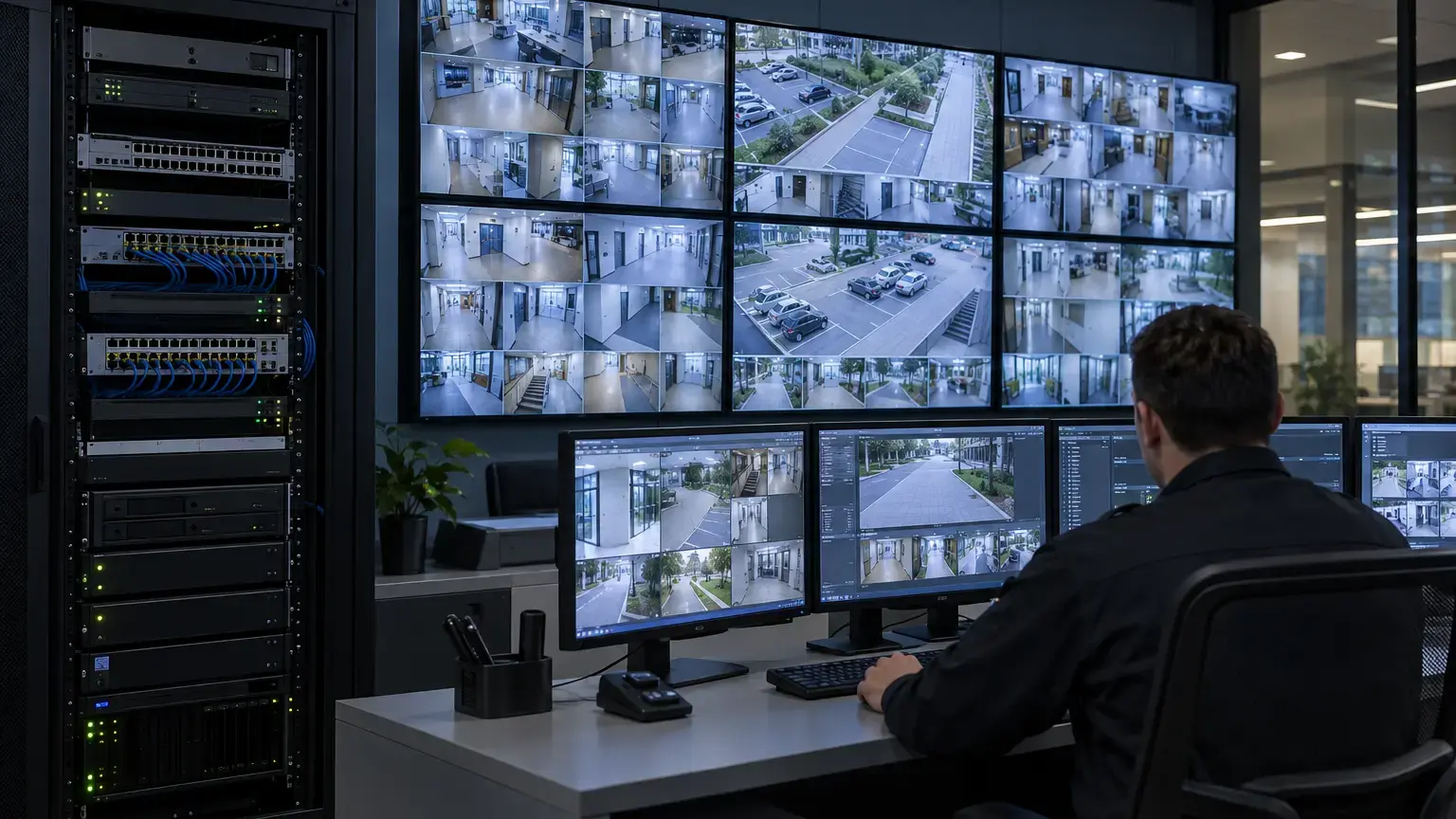
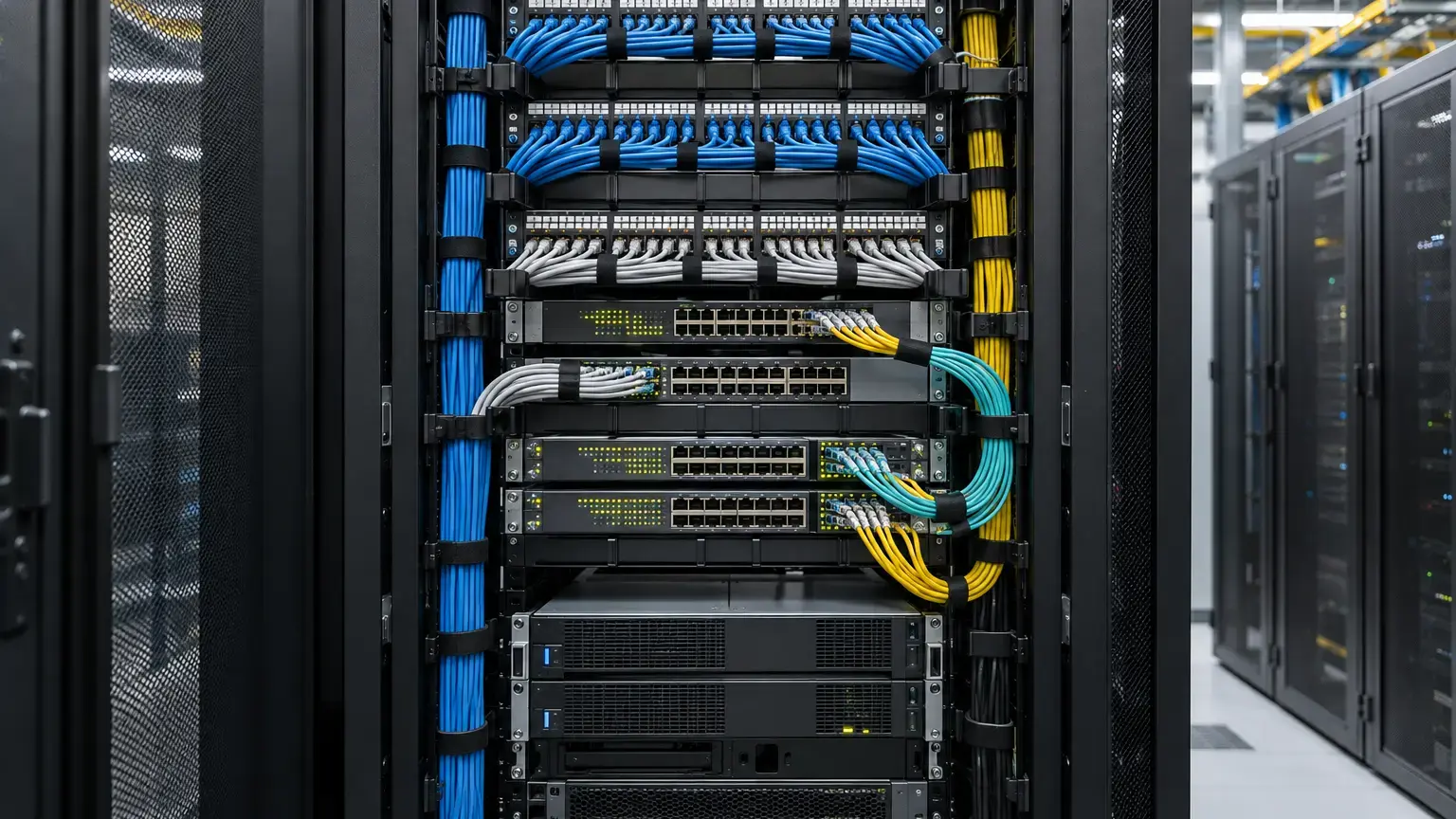
Visual reference photographs

Start with official conformance, not a marketing label
ONVIF states that its conformant-products database is the authoritative source for official conformance. Conformance is tied to a specific product and firmware or software version. Membership in ONVIF, use of ONVIF specifications or a generic compatible claim does not prove that a product completed the conformance process.
Search the camera, encoder, NVR and VMS separately. Save the database record, application type, supported profile, exact version and approval date. If the installed firmware differs, treat conformance as unverified until the manufacturer confirms the relationship or the exact combination passes the project test plan.
Conformance row: manufacturer · product and model · device or client · serial · installed firmware or software · ONVIF database version · supported profiles · conditional features needed · evidence date · exception owner.
Profile support is a feature set, not one universal checkbox
Profile T focuses on advanced video streaming. ONVIF lists H.264 and H.265, imaging settings, motion and tampering events, metadata streaming, bidirectional audio and supported digital input or relay functions. Some capabilities are mandatory for a conformant device or client, while others are conditional when the product natively offers the feature.
Profile M focuses on analytics metadata and events. It standardizes configuration and streaming of metadata, object classifications and interfaces for analytics such as counting, license-plate recognition and face-related metadata where those functions exist. Profile M can complement Profile T. It does not replace video-stream testing.
Build a required-feature matrix before procurement
List what the project actually needs. A residential gate camera may need H.265, motion events and audio. A commercial facility may also need tamper alarms, PTZ, relay output, people-count metadata, line crossing, vehicle classification or integration with a building platform.
For each feature, record whether it is mandatory for the project, mandatory in the selected profile, conditional in the profile, natively supported by the device, exposed by the client and successfully tested. This prevents a conditional capability from being assumed merely because both products claim the same profile.
Feature coverage (%) = passed required feature tests ÷ total required feature tests × 100
Acceptance should still require every critical feature to pass. A high percentage cannot compensate for a failed alarm or missing evidential stream.
Control identity, discovery and time first
Put the camera and client on the approved VLAN with final IP addressing, DNS and NTP. Confirm device discovery from the intended network segment. Discovery protocols may not cross routed or filtered boundaries without deliberate design, so manual addition by address may still be required.
Verify the client identifies the correct manufacturer, model, serial, firmware, MAC address and service endpoint. Check time zone, daylight settings and synchronization before event tests. A correct video stream with wrong time can produce unusable event correlation.
Test authentication and secure transport
Profile T supports digest authentication and covers HTTPS streaming when the device and client natively support it. ONVIF also notes that compliance with local regulation and the complete security design remain outside profile conformance. Do not treat ONVIF as a cybersecurity certificate.
Replace default credentials, create a least-privilege integration account and confirm how the client stores it. Where HTTPS is required, validate the certificate name, trust chain, validity period and renewal ownership. Confirm that the client does not silently fall back to clear HTTP or an unapproved stream after a certificate error.
Commission every required stream profile
Test the main evidential stream and every substream used for live view, mobile viewing, analytics or control-room layouts. Record codec, resolution, frame rate, bitrate mode, GOP or keyframe interval, audio, metadata and transport method.
Expected aggregate ingest = sum of configured camera bitrates, including every stream recorded or analyzed concurrently
Observed stream variance (%) = absolute(observed bitrate - configured target) ÷ configured target × 100
Bitrate varies with scene and codec settings, so the second formula is diagnostic rather than a universal pass limit. Test day, night and motion-heavy scenes. Confirm live view, recording, playback and export using H.264 or H.265 as specified.
Verify transport and recovery combinations
Test the transport the final system will use, such as RTP over UDP or RTSP over TCP and HTTPS where supported. A stream that works on a flat bench network may fail through firewalls, NAT, tunnels or lossy wireless links. Record ports and firewall rules without exposing credentials.
Restart the camera, client service and network link separately. Confirm automatic reconnection, recording resumption, event recovery and the absence of duplicate devices. Measure the gap from last good frame to first restored recorded frame.
Test events as an end-to-end chain
Trigger motion, tamper, digital input or other required events using controlled actions. Confirm the device produces the event, the client receives the correct topic and state, the VMS maps it to the correct camera, recording or notification starts and the event can be searched later.
Test activation and clear states. A system that receives an alarm but never clears it is not interoperable for operations. Check event timestamps against the video and audit log. Repeat after device and VMS restarts.
Test Profile M metadata by meaning, not only presence
Confirm a metadata stream is present, then validate its content. For required analytics, check object class, bounding box, confidence where exposed, geolocation or zone reference, event type and timestamp. Confirm that the receiving client displays, stores, searches or forwards the information as required.
If MQTT is in scope, Profile M treats it as conditional. Record broker address, TLS, authentication, topic structure, payload, retained-message policy and reconnect behavior. Do not infer MQTT support from Profile M alone.
Check PTZ, audio and I/O separately
Where applicable, test absolute and continuous PTZ movement, presets, limits and home position. Verify audio direction, codec, synchronization and legal enablement. For relay outputs, use a safe test load or approved interface and prove activation, duration, reset and state feedback.
Conditional features often expose interoperability gaps. Keep each as its own test row instead of marking the whole camera compatible after live video appears.
Run firmware and software regression tests
Before production upgrades, compare the target version with the ONVIF conformance record and vendor release notes. Retest critical streams, authentication, discovery, events, metadata, PTZ and recording after upgrades. Preserve the prior configuration and rollback package according to manufacturer guidance.
Do not assume a new firmware version is interchangeable with the tested version. Likewise, a VMS device pack or driver update can change behavior even when the camera firmware remains fixed.
Interoperability acceptance worksheet
- Camera, VMS and NVR records exist in the ONVIF conformant-products database where conformance is claimed.
- Installed firmware and software match the recorded or approved versions.
- Required Profile T and Profile M features are listed individually.
- Mandatory, conditional and product-native features are distinguished.
- Device identity, IP, DNS, NTP and time zone are correct.
- Discovery and manual addition work through the final network design.
- Default credentials are removed and the integration account is controlled.
- HTTPS and certificate behavior are tested where required.
- Main and substream codecs, resolution, frame rate and bitrate are recorded.
- Live view, recording, playback and export pass for each required stream.
- Final transport methods and firewall paths are tested.
- Camera, client and network restarts recover without hidden duplicates.
- Required events activate, clear, record and remain searchable.
- Profile M metadata content is meaningful to the receiving client.
- MQTT is tested separately if included.
- PTZ, audio, digital input and relay features are tested separately.
- Critical functions pass after approved firmware and VMS updates.
- Exceptions, native-driver dependencies and rollback enter the handover pack.
Minimum handover pack
Provide the product and firmware inventory, ONVIF conformance records, required-feature matrix, account and certificate ownership record, device identity and time settings, stream profiles, transport and firewall schedule, event-topic mapping, metadata samples, PTZ and I/O tests, restart-recovery timings, firmware regression results, exceptions and rollback procedure. Link this to the video analytics worksheet, control-room live-view worksheet and CCTV cybersecurity worksheet.
Primary technical references
- ONVIF Profile T: Advanced video streaming
- ONVIF Profile M: Metadata and analytics events
- ONVIF conformant-products database
- ONVIF profile overview and policy
- ONVIF network interface specifications
- ONVIF: Profile S deprecation questions and Profile T differences
- Axis: ONVIF profiles and product support
Integrating cameras, VMS and analytics across vendors?
Share the exact models, firmware, required streams, events, metadata, audio, I/O and network design. We can coordinate the feature matrix, secure onboarding, field testing and handover evidence around the approved system.
Discuss CCTV interoperability ↗